How to Edit Any Image to Bikini AI Without Changing the Face
By AIBikini · Updated
How to edit any image to bikini AI style: check that your photo qualifies, prepare it, change the outfit, and fix weak results while keeping the same face.
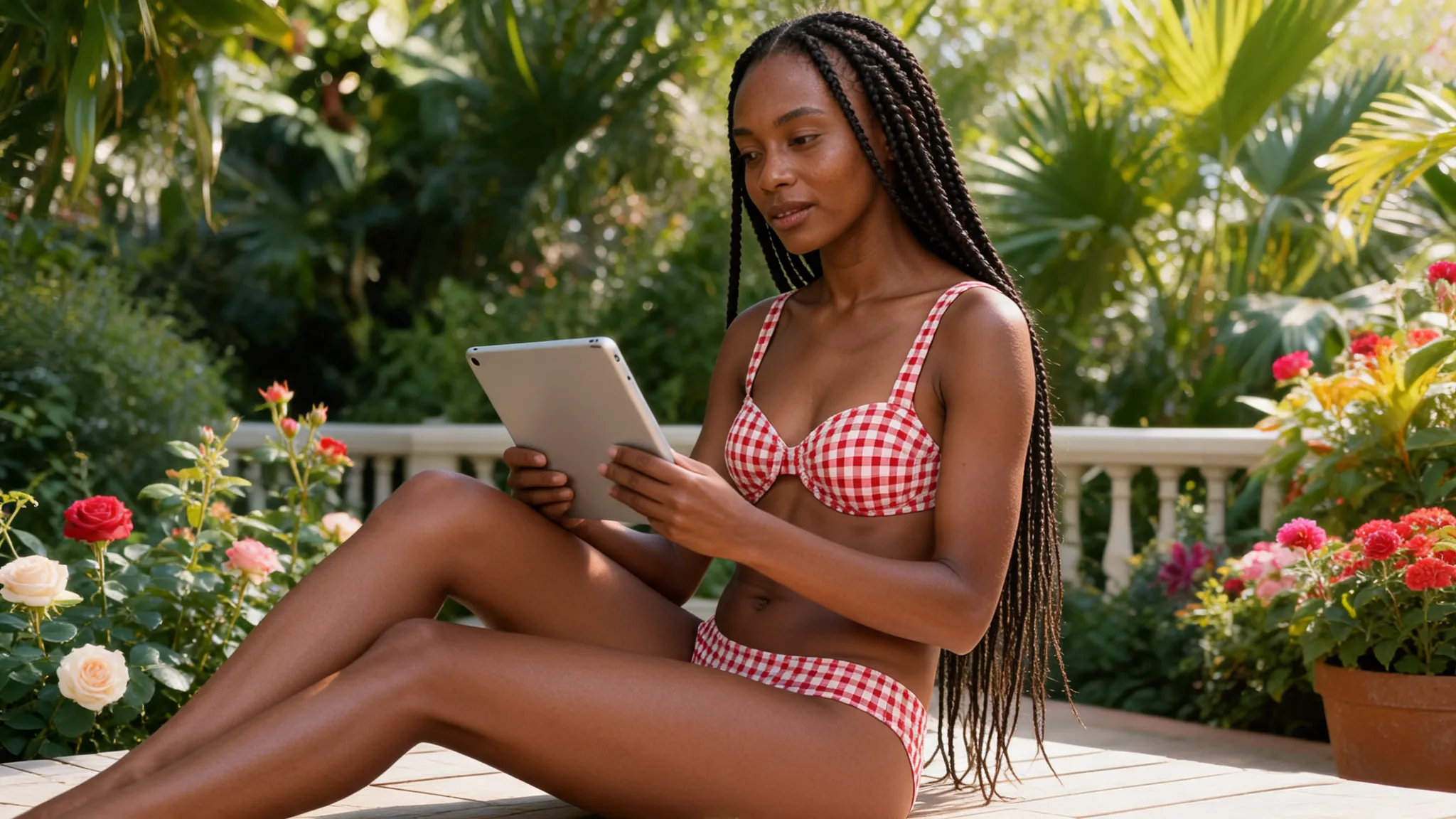
Can You Really Edit Any Image to Bikini AI Style?
Almost any clear photo of one consenting adult works, but not literally every image. To edit any image to bikini AI style, the tool needs to see one person and enough of the body to place the outfit.
This guide starts with a photo you already have. It shows how to edit any image to bikini AI style in the AI bikini generator, how to prepare a difficult picture, and which images you must never use.
Which Photos Can You Edit? A Quick Check
Before you edit any image to bikini AI style, run it through this table. Most failed results trace back to one of these rows.
| Image type | Use it? | What to do |
|---|---|---|
| Clear photo of one adult, front-facing | Yes | Upload as it is |
| Knee-up or full-body photo | Yes | Upload as it is |
| Group photo | Prepare first | Crop to one person |
| Face close-up or selfie | Not ideal | Pick a photo showing the body |
| Dark, blurry or heavily filtered | Not ideal | Use a brighter, cleaner original |
| File over 15 MB or another format | Prepare first | Export as JPG, PNG or WebP |
| Photo of a minor | Never | Not allowed under any circumstances |
| Adult who hasn't agreed | Never | Get permission or don't upload it |
How to Edit Any Image to Bikini AI in 3 Steps
Here is how to edit any image to bikini AI style once your photo passes the check.
- Upload the image. Choose your JPG, PNG or WebP. The studio resizes it in your browser, so large phone photos upload quickly.
- Choose a bikini style. Pick one of 10 presets, and confirm you are 18 or older and allowed to use the photo.
- Generate and save. Wait 20 to 60 seconds, then download the 2K PNG, with no watermark.
Those steps edit any image to bikini AI style without a prompt, because the AI bikini generator takes its outfit from the preset.
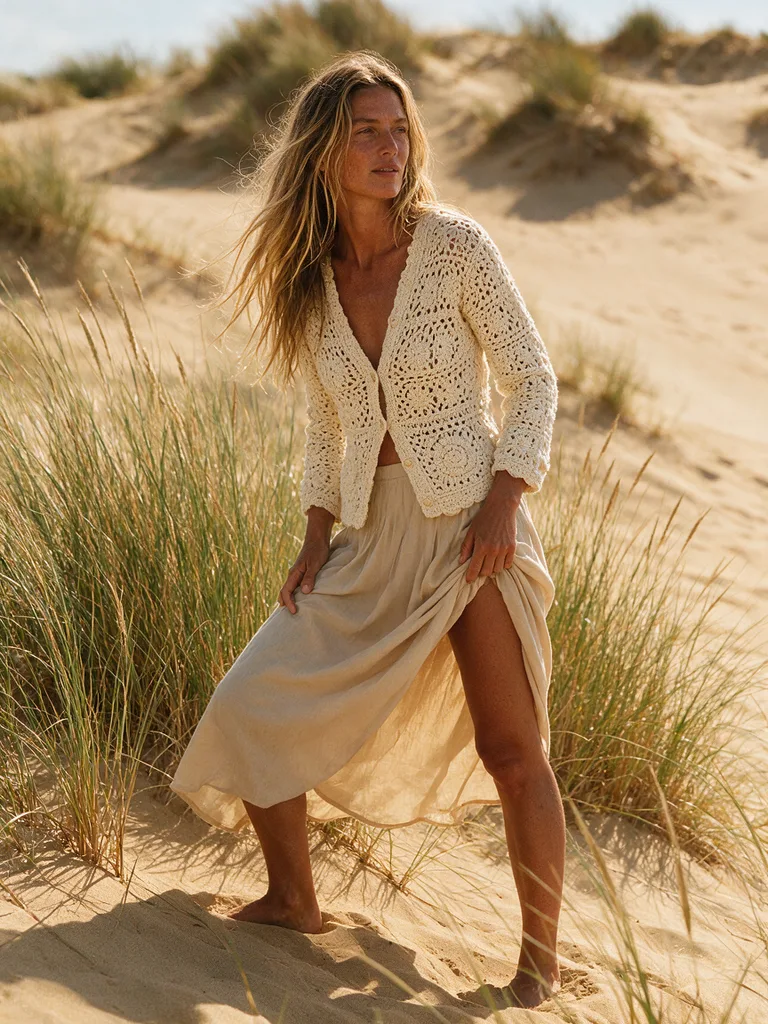
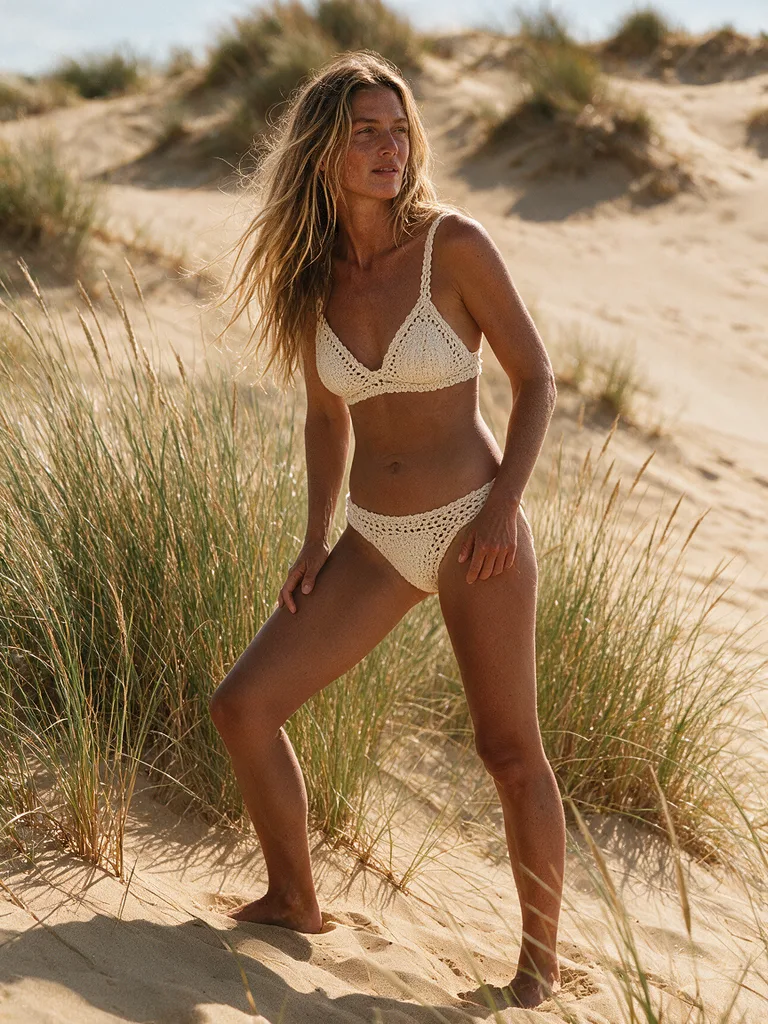
How to Prepare a Difficult Photo First
A quick crop or a brighter original fixes most problem photos. Prepare the file first, then edit any image to bikini AI style.
- Crop group photos. To edit any image to bikini AI style cleanly, leave one person in the frame, since the AI may otherwise change the wrong person.
- Remove strong filters. Go back to the original when you edit any image to bikini AI style, because filters distort skin and shape.
- Clear the view. Bags and coats in front of the body leave the AI less to work with when you edit any image to bikini AI style.
- Pick a simple pose. You can edit any image to bikini AI style most reliably when the person is standing or sitting naturally.
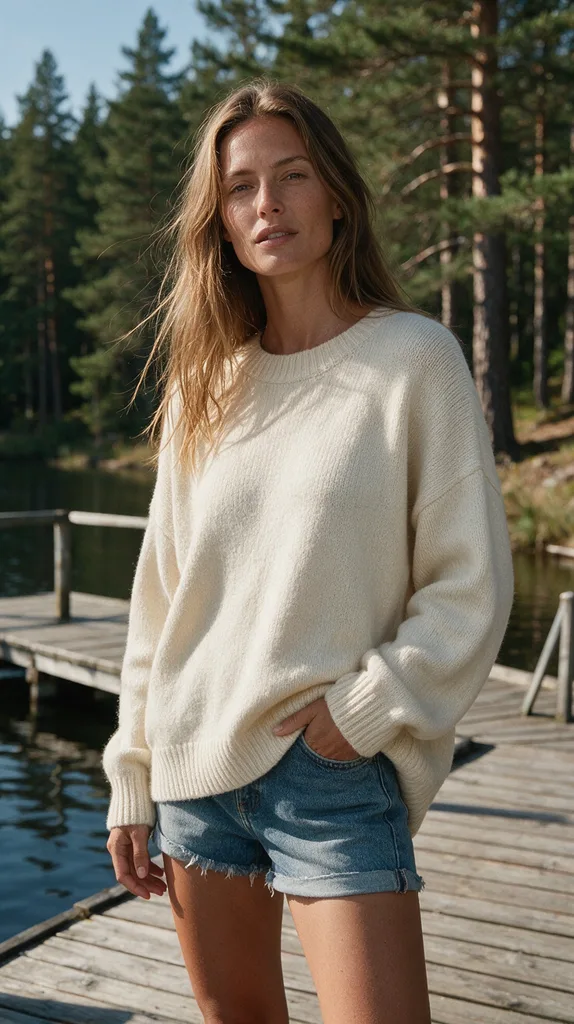
What Stays the Same When You Edit Any Image to Bikini AI?
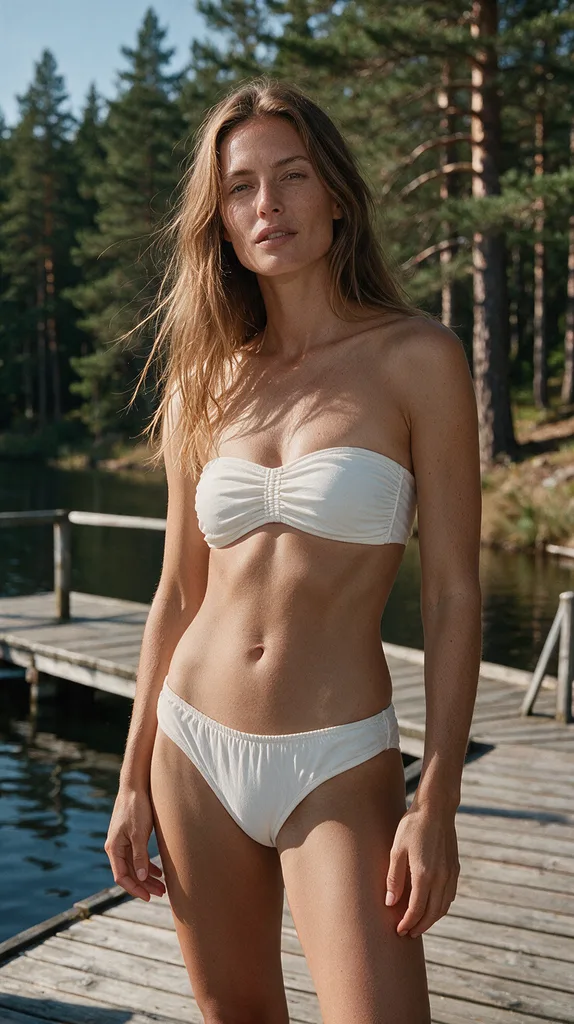
Only the clothing should change. When you edit any image to bikini AI style here, the tool is told to keep the face, hair, skin tone, body shape, pose, camera angle and background.
If a result looks off, change the photo before the style. A sharper, brighter, front-facing picture is the best way to edit any image to bikini AI style again. If you edit any image to bikini AI style and the run fails or is blocked, the credits are refunded automatically, and results stay in your history for 30 days unless you delete them sooner.
Cost and Rules
Some new accounts get one free image to edit any image to bikini AI style. Otherwise, each image costs 10 credits; see the pricing plans. To edit any image to bikini AI style, upload only your own photos or those of adults who agreed. Explicit content is blocked, and uploads are never used for training. New to the topic? Read what an AI bikini photo is.
FAQ
Can I edit any image to bikini AI style for free?
AIBikini is an AI bikini generator that gives some new accounts one free image. Otherwise, editing an image costs 10 credits.
Can I edit any image to bikini AI style if it shows a group?
Crop it first. One person per photo gives the most reliable result, and everyone shown must be an adult who agreed.
Will my face change when I edit any image to bikini AI style?
The tool is told to change only the clothing and keep your face, hair, skin tone, body shape, pose and background.
Do I need a prompt to edit any image to bikini AI style?
No. To edit any image to bikini AI style here, you pick one of 10 preset styles, from Coral Triangle to Neon Sport.
What formats can I use to edit any image to bikini AI style?
Upload JPG, PNG or WebP up to 15 MB. Results download as 2K PNG files, about 2048 px on the long side.
Can I use the result commercially after I edit any image to bikini AI style?
Yes, if you own the photo and have the rights to the likeness of the person shown. Results have no watermark.