AI Bikini: How to See a Bikini on Your Own Photo
By AIBikini · Updated
What an AI bikini photo is, how photo try-on keeps your face and pose, which 10 bikini styles you can try, and how to make your first image.
What Is an AI Bikini Photo?
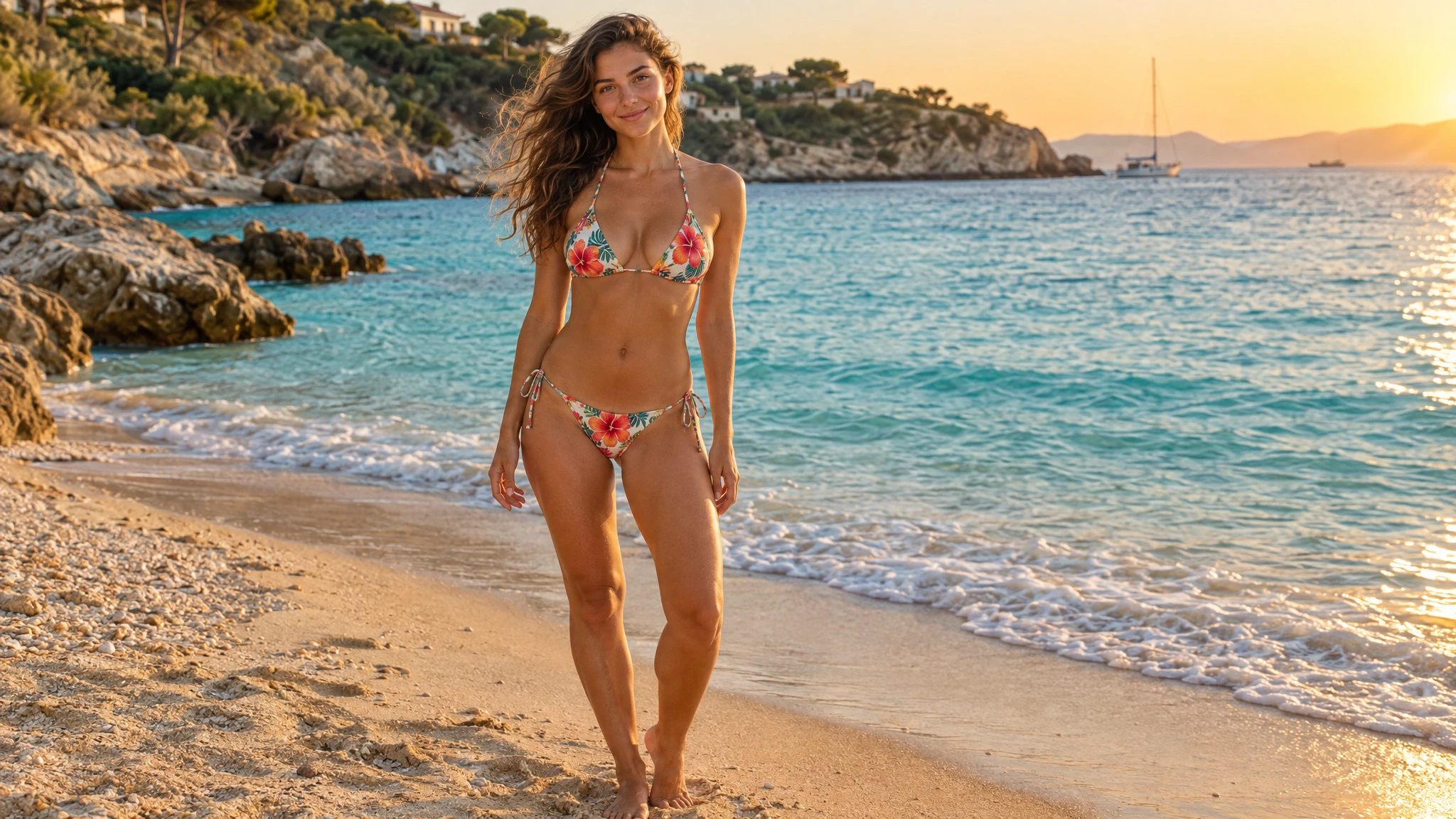
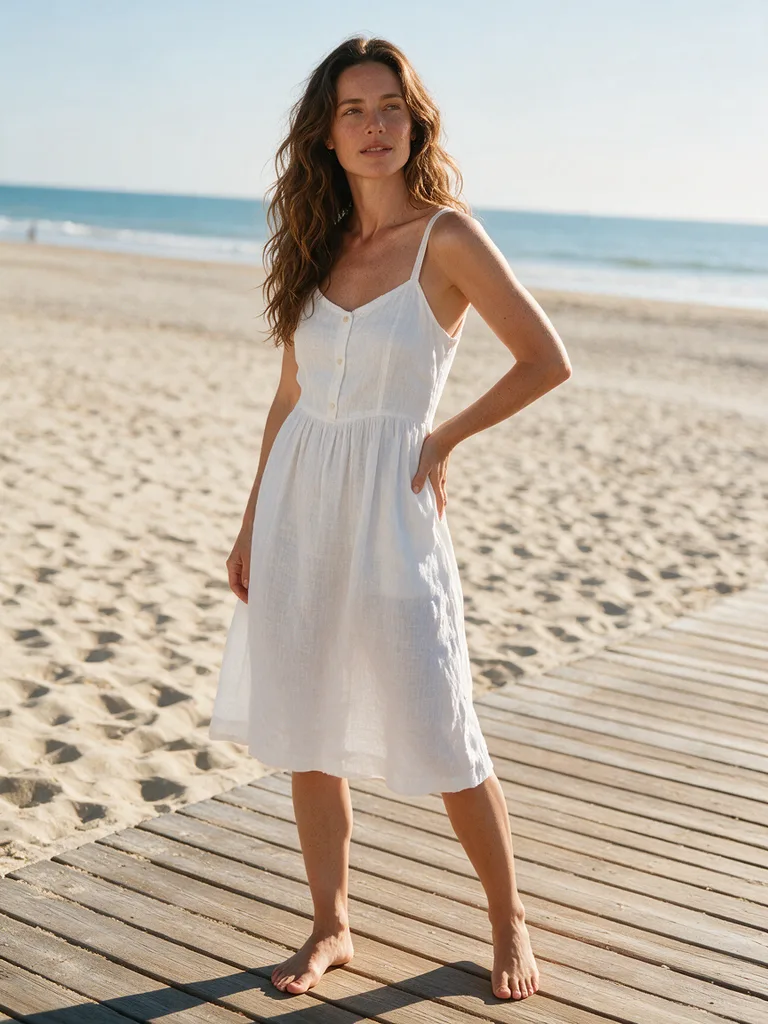
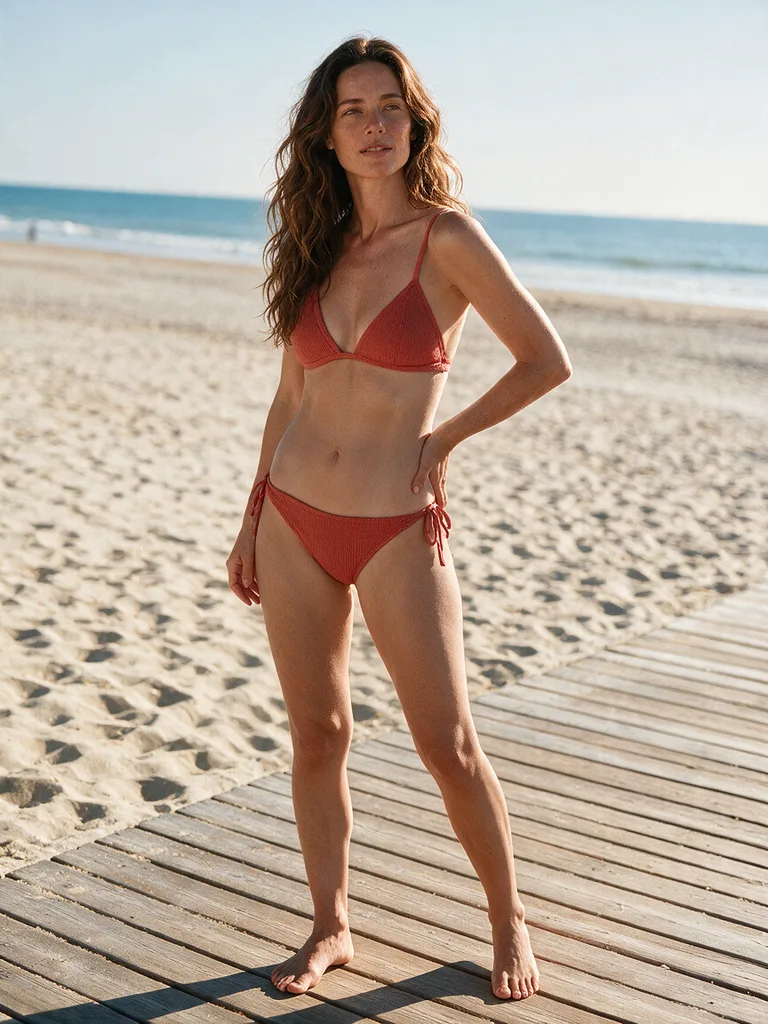
An AI bikini photo is a picture of a real person, made from one of their own photos, where AI has changed the outfit to a bikini and kept everything else. Your face, hair, skin tone, body shape, pose and background stay as they were. Only the clothes change.
That is different from a generic AI image of a model on a beach. A text-to-image tool invents a person who doesn't exist. Try-on starts from you, so the result shows how a bikini style looks on your body and in your photo.
The AI bikini generator on AIBikini works this way. You upload a photo, pick a bikini style, and get back an image of the same person in the same pose.
Why People Make AI Bikini Images
Most people use it for one of these reasons:
- To see a style on themselves before buying. A bikini that looks good on a product page model can look different on you. A preview shows the cut and color on your own photo.
- To plan a vacation wardrobe. Try a few styles on the same photo and compare them side by side before you pack.
- For fun. Turn an everyday photo from a café or a city street into a summer beach look.
How AI Bikini Try-On Works
Behind the scenes, the tool does an image edit, not a new drawing. On AIBikini, the instruction sent with your photo asks for one change: replace the clothing with the bikini you picked, and keep the face, identity, hairstyle, skin tone, body shape, pose, camera angle and background exactly the same.
| Step | What you do | What happens |
|---|---|---|
| 1. Upload | Add a JPG, PNG or WebP photo (up to 15 MB) | The photo is resized in your browser so its longest side is at most 1536 px |
| 2. Pick a style | Choose one of the 10 preset bikini styles | The style is turned into a detailed description of the bikini |
| 3. Generate | Press Generate | The image is ready in about a minute, at 2K (2048 px on the long side) |
| 4. Download | Save the result or try another style | Your photo and result stay in your history for 30 days |
The 10 AI Bikini Styles You Can Try
Every look on AIBikini comes from one of these presets. Each one describes the cut, color and details, so the result looks like a real piece of swimwear rather than a vague "bikini".
| Style | What it looks like |
|---|---|
| Coral Triangle | Coral red string triangle bikini with tie-side bottoms |
| Noir Halter | Sleek black halter-neck bikini with a gold ring detail |
| White Bandeau | White strapless bandeau with ruched details |
| Leopard Print | Leopard print triangle bikini with thin straps |
| Retro Gingham | Red and white gingham, high-waisted bottom and sweetheart top |
| Tropical Floral | Floral print with hibiscus flowers and palm leaves |
| Gold Shimmer | Metallic gold bikini with a glossy finish |
| Boho Crochet | Cream handmade crochet bikini in a boho style |
| Ocean Stripe | Navy and white nautical stripes with a bow detail |
| Neon Sport | Neon lime sporty bikini with a racerback top |
Not sure where to start? Ocean Stripe and White Bandeau suit a classic look, Gold Shimmer and Leopard Print are bolder, and Retro Gingham is the pick for a vintage look.
How to Get a Better AI Bikini Result
The photo you start with matters more than anything else. A few tips:
- Face the camera. A front-facing photo gives the AI bikini generator the clearest view of your body and pose.
- Show your body. Full-body or knee-up photos work best. A close-up of your face gives the AI little to work with.
- Use good light. Daylight or an evenly lit room keeps skin tone and detail natural.
- Keep it simple. One person per photo, with nothing large covering the body.
If a result isn't what you hoped for, try the same style on a different photo. A new angle often helps more than a new style.
Is AI Bikini Try-On Safe and Private?
These tools handle personal photos, so it's worth checking the rules of any tool you use. On AIBikini:
- Adults only. The site is for people 18 and over. You may only upload your own photo or a photo of an adult who agreed to it. Photos of minors are not allowed.
- No explicit content. Every result is meant to be tasteful, and explicit content is blocked.
- Private by default. Your photos and results are visible only to you, are never used to train AI models, and can be deleted at any time. Deleting your account removes all your files.
- Refunds for failures. If a generation fails or is blocked, the credits go back to your account automatically.
Read the full privacy policy for details.
What Does an AI Bikini Photo Cost?
A new account gets its first AI bikini try-on free. After that, each image costs credits. You can buy them as a one-time credit pack, which never expires, or get them every month with a plan. Current prices are on the AI bikini generator pricing page.
Make Your First AI Bikini Photo
Ready to try it? Open the AI bikini generator, upload a clear photo, and pick one of the 10 styles. Your first image will be ready in about a minute.
Comparing tools first? Our guide to the best AI bikini generator lists the options side by side. If you're wondering whether AI try-on can replace the fitting room, read AI swimsuit try-on vs the fitting room.
FAQ
What is AI bikini try-on?
AIBikini is an AI bikini generator that changes the outfit in your photo to a bikini style you pick. It keeps your face, pose and background, so you can see how a bikini looks on you without a photoshoot.
Is the AI bikini generator free?
Your first AI bikini try-on is free with a new account. After that, each image uses credits from a credit pack or a monthly plan.
What photo works best for AI bikini try-on?
A clear, front-facing photo of one adult with the body visible. JPG, PNG and WebP files up to 15 MB are supported.
Will the AI bikini photo still look like me?
That's the goal. The generator is told to change only the clothing and keep your face, hairstyle, skin tone, body shape, pose and background the same.
Can I make an AI bikini photo of someone else?
Only of an adult who has agreed to it. AIBikini is for adults, and photos of minors are not allowed.
How long are my AI bikini photos kept?
Your uploaded photo and results stay in your history for 30 days and are then deleted. You can delete them yourself at any time.