Bikini Try-On Before You Buy Online: A 5-Step Checklist
By AIBikini · Updated
Do a bikini try-on before you buy online: preview styles on your photo with AI, check the size chart, and know the swimwear return rules before you order.
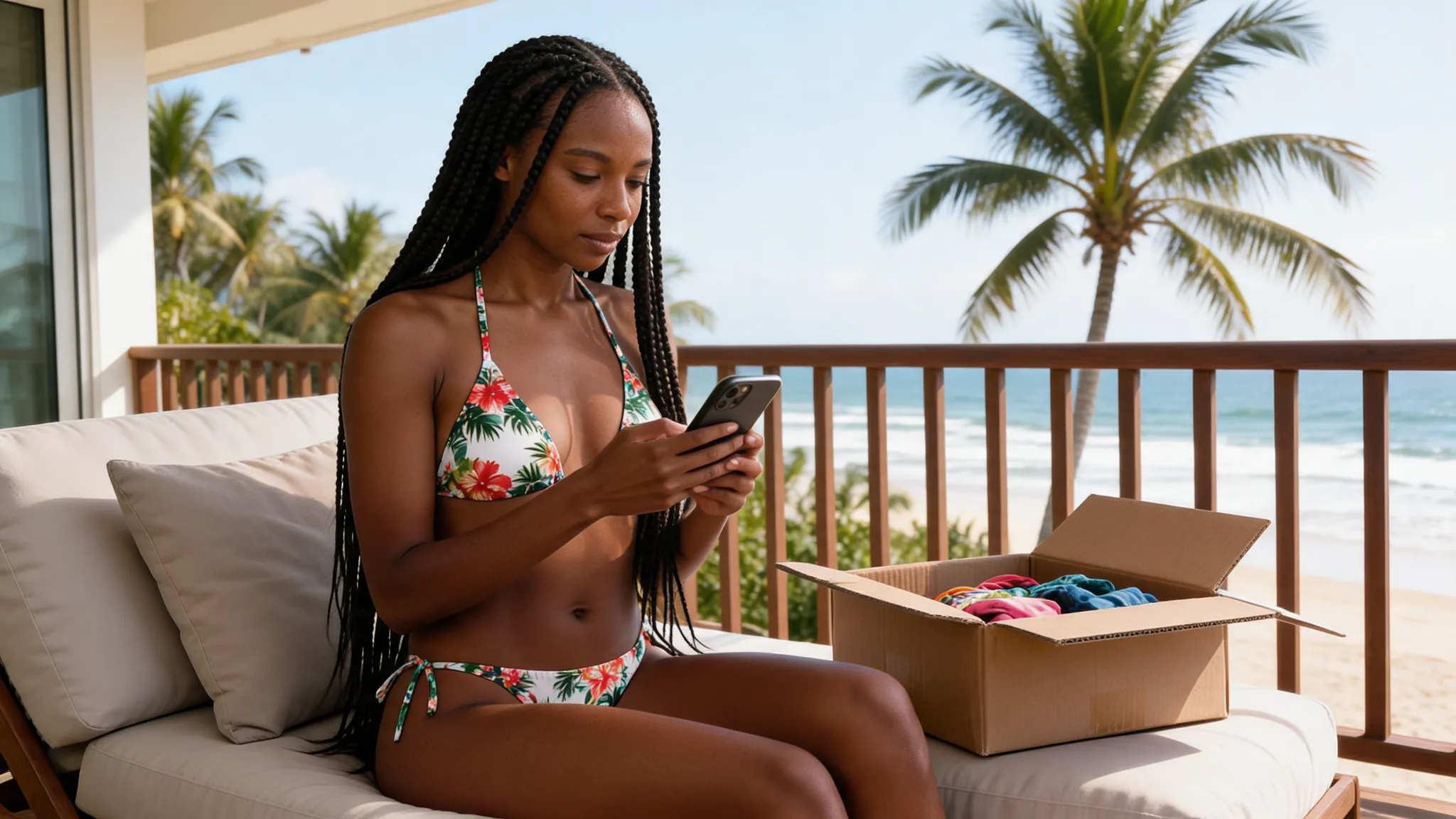
Why Do a Bikini Try-On Before Buying Online?
Because swimwear is harder to return than most clothes. Many retailers only take swimwear back with the hygienic liner still in place, so a bikini try-on before you order saves you from buying a style you don't like.
A bikini try-on can happen in two places: on your photo before you order, and at home when the parcel arrives. This checklist covers both. The first step uses the AI bikini generator to preview styles on your own photo; the rest cover sizing and returns.
Swimwear Return Rules at a Glance
Read the return policy before your bikini try-on and purchase. These are the swimwear lines from four official return pages, checked in November 2026.
| Retailer | Return window | Swimwear condition |
|---|---|---|
| Athleta | 30 days from delivery for online orders | Original price tags and hygienic liner intact |
| J.Crew Factory | 30 days from purchase | Swimsuits without hygienic liners in place can't be returned |
| American Eagle and Aerie (Canada) | 30 days, plus 7 extra days for online orders | Unworn, unwashed, with hygienic liners in place |
| Beach Bunny | See the page | Try garments on over underwear and don't remove the sanitary slip |
Policies differ by country and change over time, so check the page for your own region before you order.
The 5-Step Bikini Try-On Checklist
A good bikini try-on means preview first, size second, try on carefully third.
- Preview styles on your photo. Upload a photo of yourself and try a few of the 10 presets. Each bikini try-on preview takes about 20 to 60 seconds and keeps your face, pose and background.
- Shortlist one or two cuts. Note the cut you liked, such as a string triangle, a halter neck, a bandeau or a high-waisted bottom, and search for it in the shop.
- Check the size chart. Compare your measurements with the retailer's own chart. Some brands, such as Bravissimo, sell bikini tops and bottoms separately, so you can pick a different size for each.
- Read the return rules. Look for the window and the swimwear condition, as in the table above.
- Try it on over underwear. When the parcel arrives, keep the liner and tags on for the bikini try-on, as Beach Bunny and Athleta's rules require.

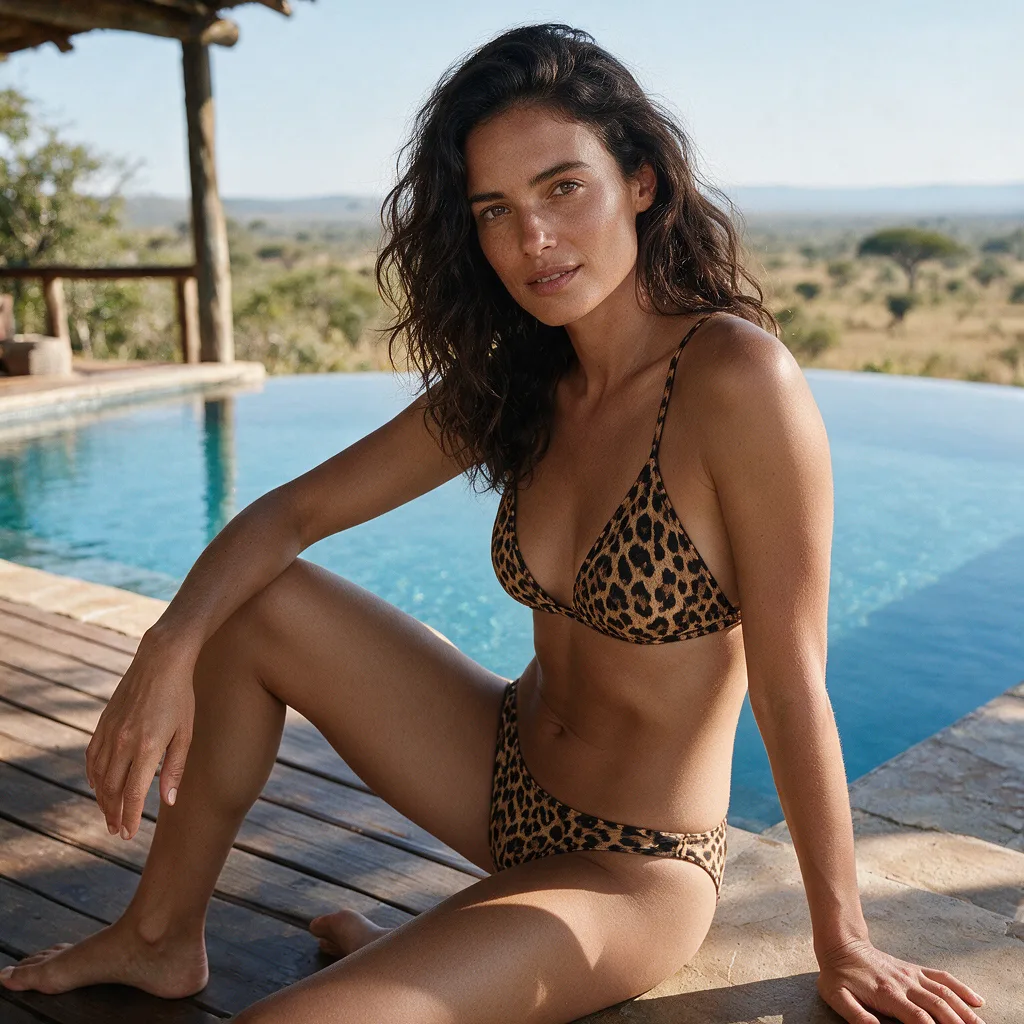
What an AI Bikini Try-On Can and Can't Tell You
A bikini try-on on your photo answers "do I like this style on me?" It can't answer "will this size fit?"
| Question | AI bikini try-on | At-home try-on |
|---|---|---|
| Does this cut suit me? | Yes | Yes |
| Does this color suit me? | Yes | Yes |
| Which size do I need? | No | Yes |
| Is the fabric comfortable? | No | Yes |
| Does it cost me a return if I'm wrong? | No | It can |
That is why the AI step comes first. A bikini try-on preview narrows the styles; the size chart and the real garment settle the fit. Our post on AI swimsuit try-on vs the fitting room covers the same limit.
Fit Checks for the At-Home Bikini Try-On
When the parcel arrives, check the fit during your bikini try-on with these brand tips.
- Top band: snug but not tight, according to Bravissimo.
- Cups: no gaping or spillage, and the back lies flat, according to Rip Curl.
- Bottoms: not riding up or down, sagging or digging in, also from Rip Curl.
- Between sizes: Sommer Swim recommends sizing up.
Shopping in person instead? Read our bikini try in store checklist.
Bikini Try-On Rules on AIBikini
The AI bikini try-on step has its own rules.
- Adults only. You must be 18 or older, and photos of minors are never allowed.
- Your own photo. Use your own photo or one from an adult who agreed.
- No explicit content. Nudity and explicit requests are blocked.
- Private results. Photos and results are visible only to your account, never used to train AI models, and kept for 30 days.
Some new accounts get one free bikini try-on; after that, each image costs 10 credits. See the pricing plans, or the AI bikini image generator page for formats and output size.
FAQ
What is a bikini try-on?
A bikini try-on means seeing how a bikini looks on you before you buy. AIBikini is an AI bikini generator, a tool for a bikini try-on on your own photo with 1 of 10 preset styles.
Can I return a bikini after trying it on?
Often yes, if the hygienic liner is still in place after your bikini try-on and the item is unworn. Athleta, J.Crew Factory and Aerie (Canada) all require the liner for swimwear returns.
Can an AI bikini try-on tell me my size?
No. An AI bikini try-on shows how a style looks on your photo. Use the retailer's size chart for size.
How long does an AI bikini try-on take?
About 20 to 60 seconds per bikini try-on image, with a 2K PNG and no watermark.
Can I do a bikini try-on with any shop's bikini?
Not on AIBikini. The bikini try-on studio uses 10 preset styles, so pick the closest cut and color, then look for it in the shop.
Is a bikini try-on on AIBikini free?
Some new accounts get one free image. After that, each image costs 10 credits.