Bikini Try In Store: What to Check in the Fitting Room
By AIBikini · Updated
Planning a bikini try in store? Use brand fit guides to check the top, straps and bottoms, and narrow your styles with AI first for a shorter fitting room trip.
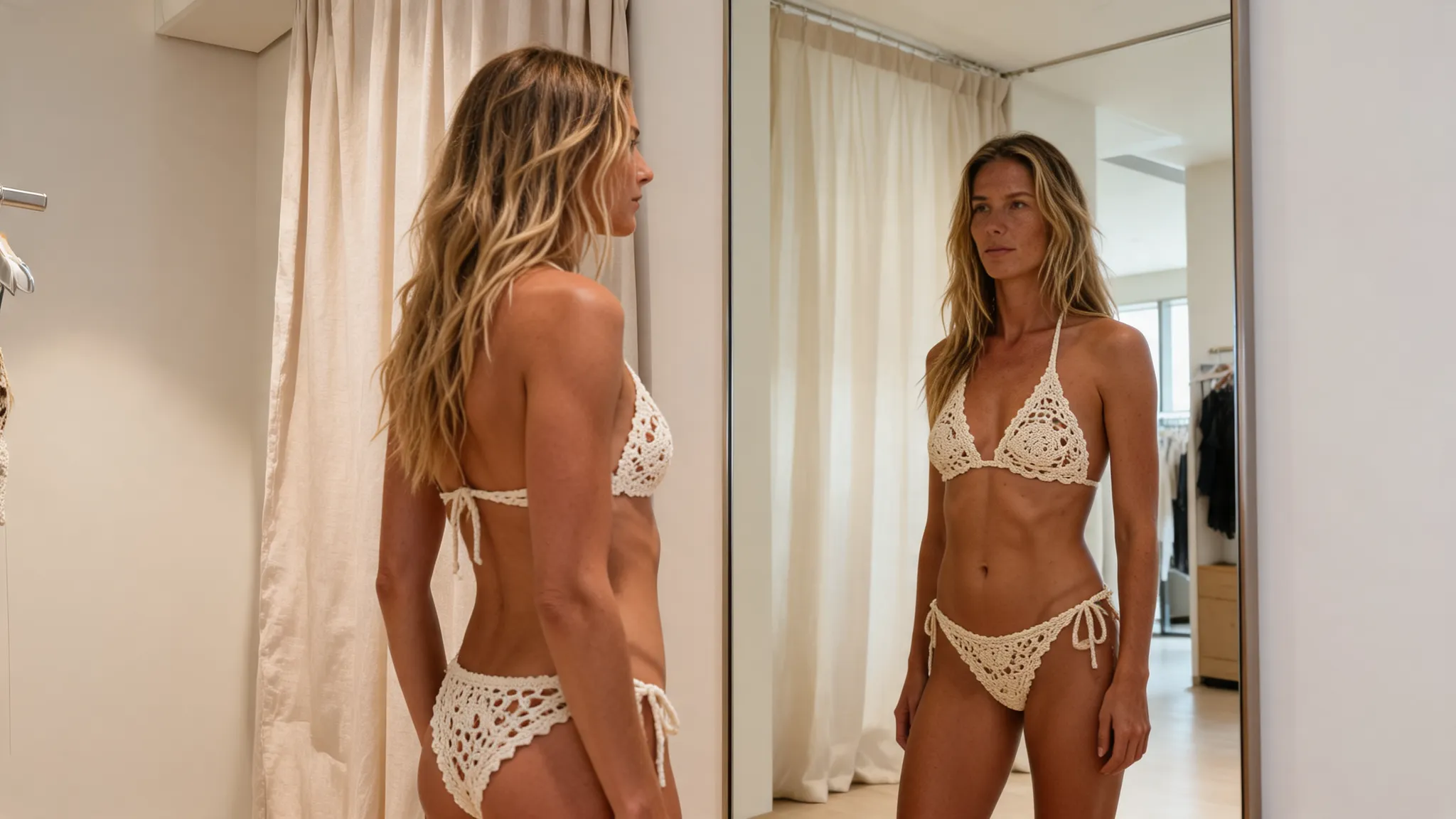
How Do You Get the Most From a Bikini Try In Store?
Go in with a short list and a fit checklist. A bikini try in store tells you how a real suit fits, which no photo can do, but it goes faster when you already know which styles you like.
This guide does two things. First, it collects the fit checks swimwear brands publish, so you know what to look for in the mirror. Second, it shows how to narrow your styles on your own photo with the AI bikini generator before you go, so your bikini try in the fitting room is about fit, not taste.
Bikini Try In Store Checklist
During a bikini try in store, check each part of the bikini in turn. The table pulls together advice from four brand fit guides.
| Part | What to check | Source |
|---|---|---|
| Top band | Snug but not tight; it should not ride up | Bravissimo |
| Cups | Fully contain the bust, with no gaping or spillage | Bravissimo, Rip Curl |
| Back | Lies flat across your back | Rip Curl |
| Straps | Secure without digging in; you can slide a finger under them | Rip Curl, Sommer Swim |
| Underwire | Sits directly under the bust | Seafolly |
| Bottoms | Not riding up or down, sagging or digging in | Rip Curl |
Bravissimo sums up the top in one line: "Your bikini top should fit like your favourite bra."
How to Do a Bikini Try In Store in 5 Steps
For a bikini try in store, narrow the styles at home, then check the fit in the fitting room.
- Shortlist styles on your photo. Before a bikini try in store, upload a photo of yourself and try a few of the 10 bikini presets. Each image takes about 20 to 60 seconds.
- Write down what you liked. Note the cut and color, such as a string triangle top, a halter neck or a high-waisted bottom, so your bikini try in store has a clear target.
- Ask about the store's try-on rules. Stores set their own rules for a bikini try in the fitting room, so follow what staff tell you.
- Check the fit. During the bikini try in store, work through the checklist above in the mirror, then move around. Rip Curl says that if bottoms feel too tight or restrict movement, you may need to go up a size.
- Try sizes separately. Bravissimo sells its bikini tops and bottoms separately, and Sommer Swim recommends sizing up if you are between sizes. Ask whether the store sells tops and bottoms separately before your bikini try in store ends.
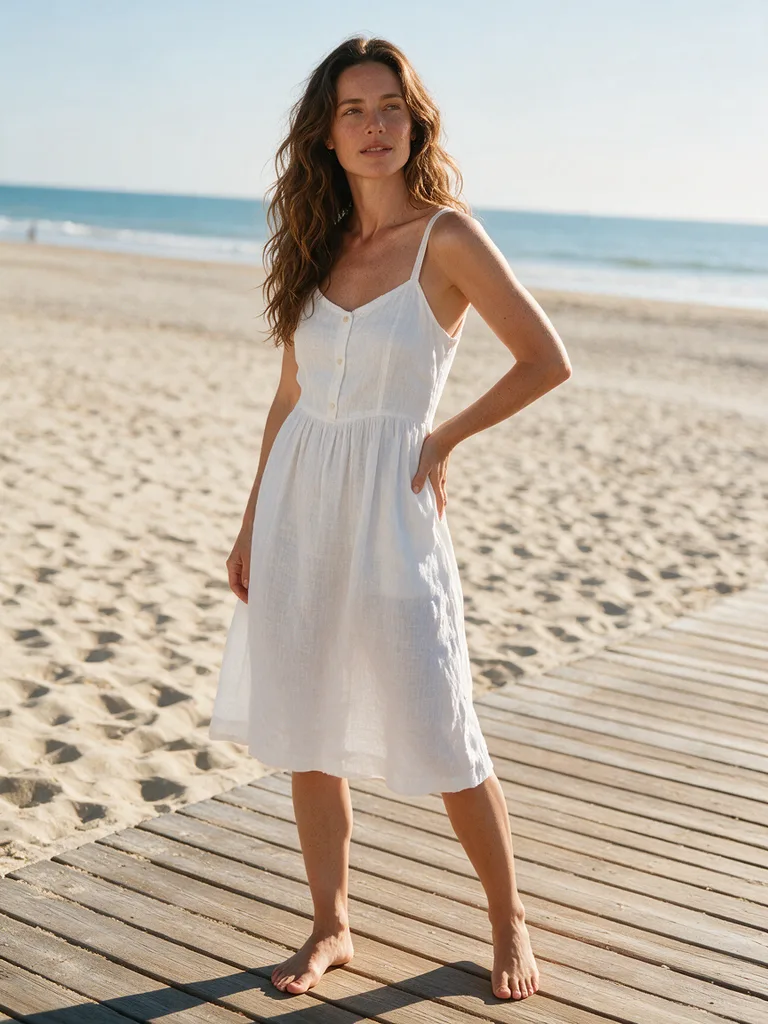
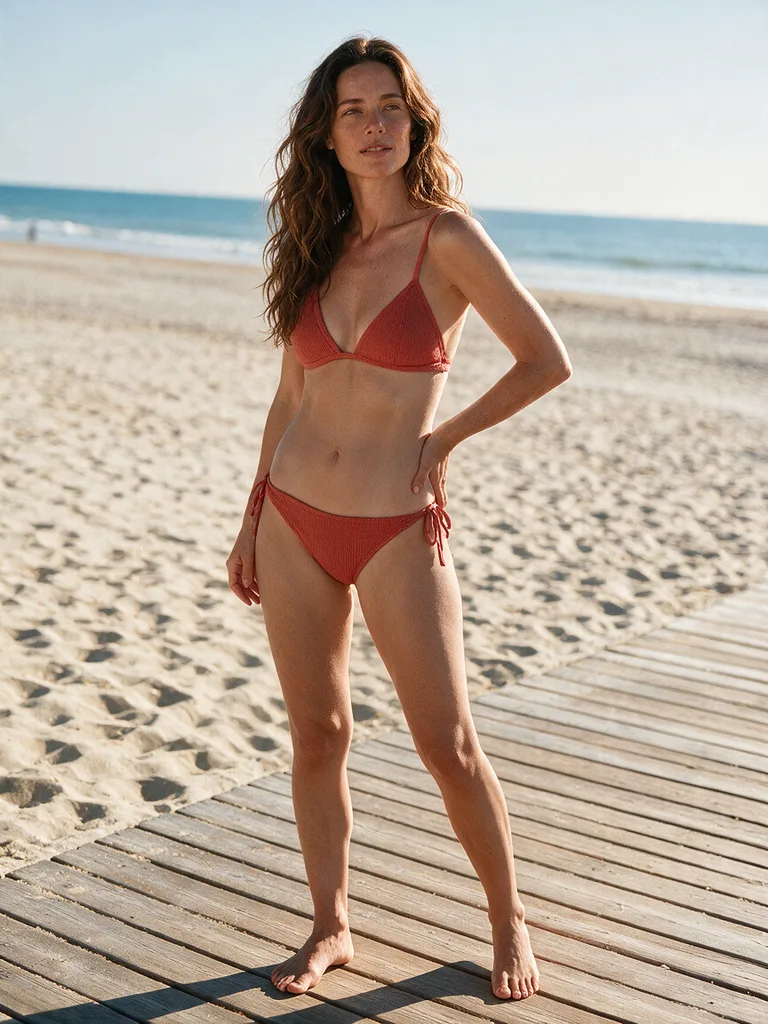
What a Bikini Try In Store Shows That AI Can't
Fit, fabric and comfort. A bikini try in store shows what an AI preview can't. An AI preview shows a style on your photo; a bikini try in the fitting room shows how a real garment sits on your body.
| AI style preview | Bikini try in store | |
|---|---|---|
| Shows | How a style and color look on your photo | How a real suit fits and feels |
| Speed | About 20 to 60 seconds per style | One trip, several suits |
| Size and fit | Not shown | Shown |
| Styles | 10 presets | Whatever the store stocks |
| Best for | Narrowing your shortlist | Choosing the size and buying |
Use both: the AI preview before a bikini try in store to decide what to look for, and the bikini try in store to decide what to buy. Our post on AI swimsuit try-on vs the fitting room compares the two in more depth.
Fit Tips From Swimwear Brands
These tips for a bikini try in store come straight from brand guides and help with a bikini try in any store.
- Underwire tops: Seafolly says underwire styles "should always fit directly underneath the bust".
- Bottoms that dig in: Seafolly says soft bands, roll tops and ruched sides prevent digging in.
- Tie-side bottoms: for more coverage, Seafolly suggests going up a size and tying them higher.
- Underbust seam: Sommer Swim says the bottom seam should sit flat against the underbust.
Shopping online instead? Read our bikini try-on checklist for online orders.
Before You Upload a Photo
AI previews before a bikini try in store follow the same rules for every image.
- Adults only. You must be 18 or older, and photos of minors are never allowed.
- Your own photo. Use your own photo or one from an adult who agreed.
- No explicit content. Nudity and explicit requests are blocked.
- Private results. Photos and results are visible only to your account, never used to train AI models, and kept for 30 days.
Some new accounts get one free image; after that, each image costs 10 credits. See the pricing plans.
FAQ
What does "bikini try in store" mean?
It means trying a bikini on in a shop's fitting room before you buy. AIBikini is an AI bikini generator, a tool that lets you preview bikini styles on your own photo before a bikini try in store.
What should I check during a bikini try in store?
During a bikini try in store, check that the band is snug, the cups fully contain the bust, the back lies flat, the straps don't dig in, and the bottoms don't ride up or sag.
Should I size up for a bikini?
For a bikini try in store, Sommer Swim recommends sizing up if you are between sizes, and Rip Curl suggests going up if bottoms feel tight or restrict movement.
Can AI replace a bikini try in store?
No. An AI preview can't replace a bikini try in store: it shows how a style looks on your photo, but it can't show size or fit. Use it to shortlist styles, then check the fit in store.
What should I wear for a bikini try in store?
Stores set their own rules for a bikini try in the fitting room, so ask staff. For home try-ons, Beach Bunny asks customers to try garments on over underwear and keep the sanitary slip in place.
How many styles can I preview before a bikini try in store?
All 10 presets before your bikini try in store. Each preview costs 10 credits, and some new accounts get one free image.