How to Use an AI Bikini Changer on Any Outfit
By AIBikini · Updated
How to use an AI bikini changer on dresses, sweaters, blazers, hoodies and jumpsuits: see 12 real outfit swaps, pick the right preset and avoid weak results.
What Does an AI Bikini Changer Do?
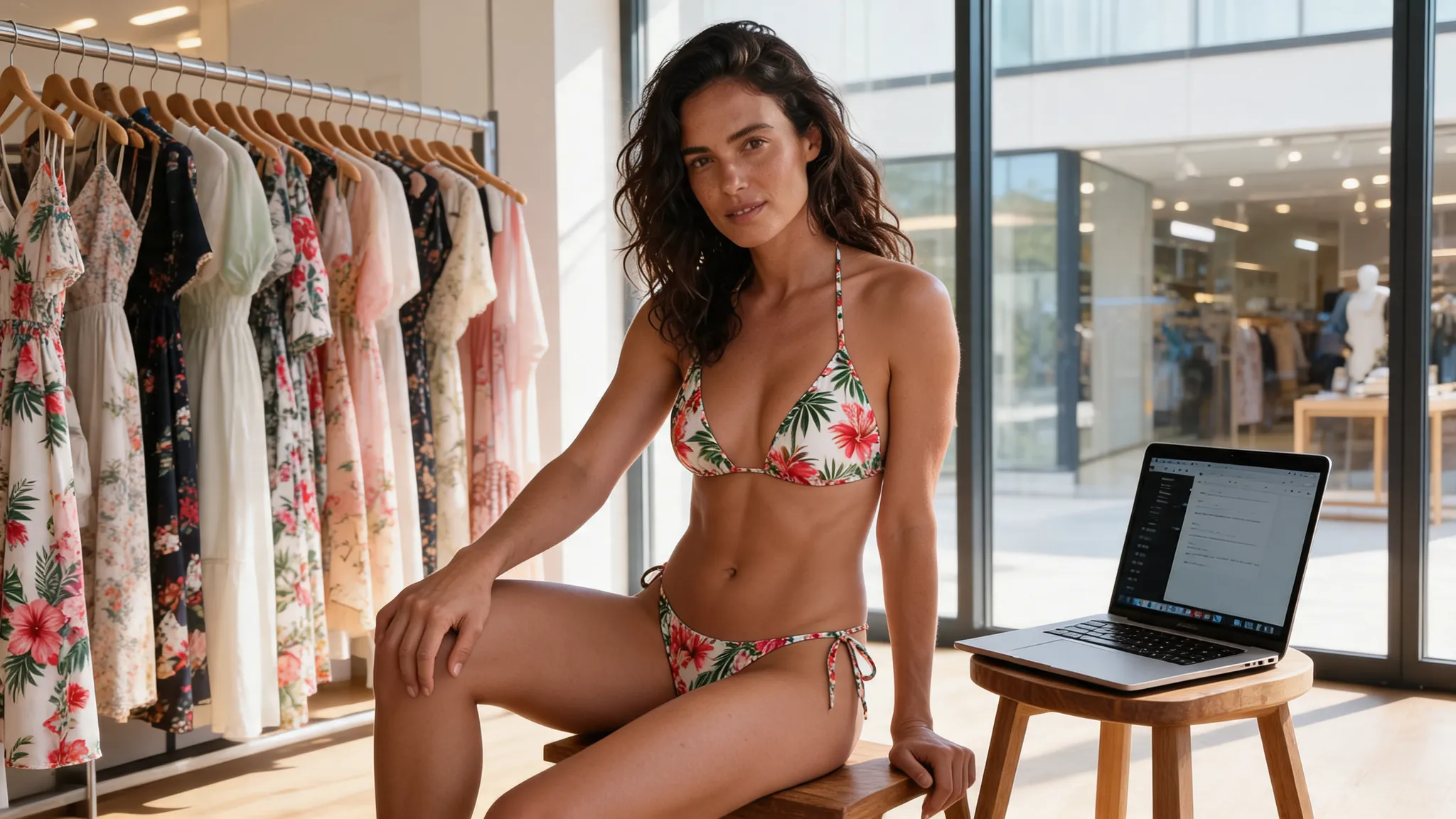
An AI bikini changer swaps the clothes in a photo for a bikini and leaves the rest of the picture alone. The face, hair, pose and background are meant to stay as they were.
On the AI bikini generator, the AI bikini changer is told to change only the clothing of the adult in the photo. It is told to keep the face, hairstyle, skin tone, body shape, pose, camera angle and background. Results can still vary, so this AI bikini changer guide shows what to expect from different starting outfits.
Which Outfits Can an AI Bikini Changer Replace?
Dresses, tops, knitwear, jackets and jumpsuits all work. The table lists the 12 example photos on our site, the outfit each person started in, and the preset the AI bikini changer swapped in.
| Starting outfit | Scene | Preset swapped in |
|---|---|---|
| White sundress | Beach boardwalk | Coral Triangle |
| Yellow sundress | Beach café | Retro Gingham |
| Green floral dress | Tropical garden | Tropical Floral |
| Blue blouse | Mediterranean village | Coral Triangle |
| Striped top | Yacht deck | Ocean Stripe |
| Denim shirt | Poolside lounge | Noir Halter |
| Cream sweater | Lake dock | White Bandeau |
| Cream cardigan | Sand dunes | Boho Crochet |
| Beige sweater and jeans | Warm studio | White Bandeau |
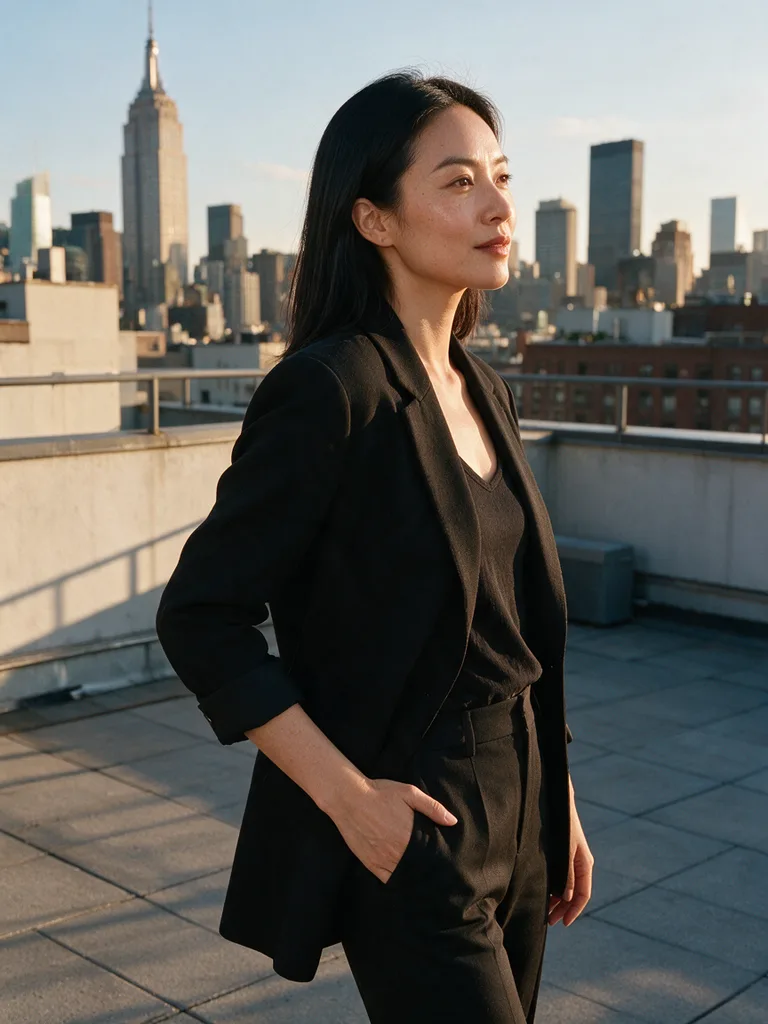
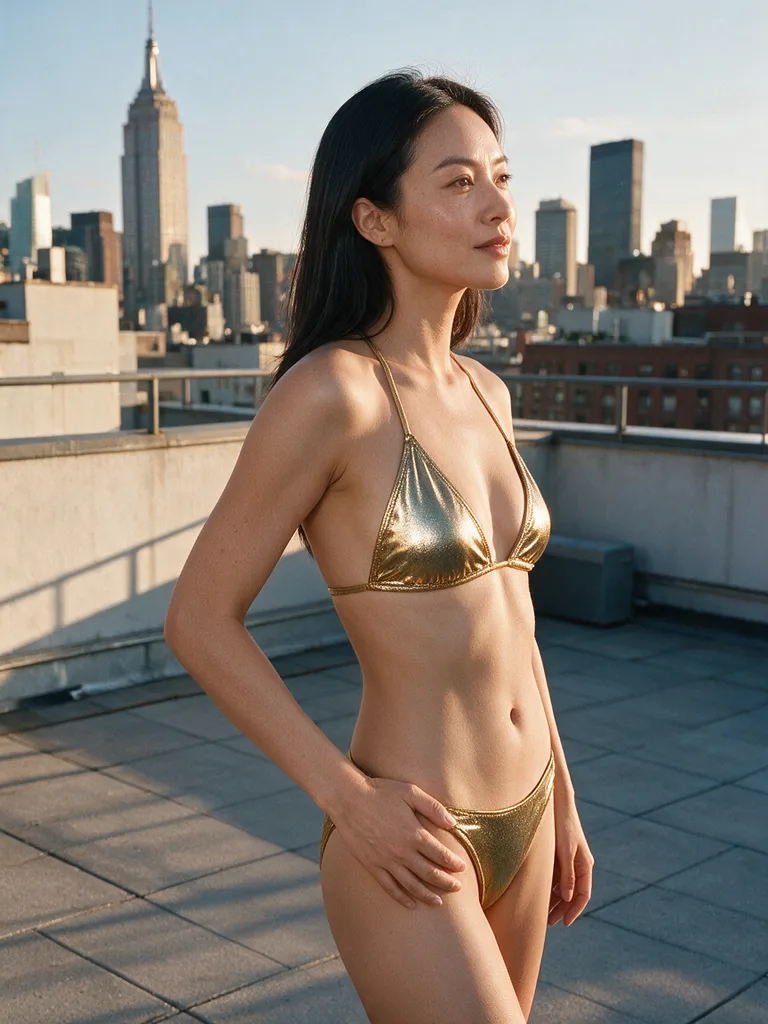
| Black blazer | Rooftop at sunset | Gold Shimmer |
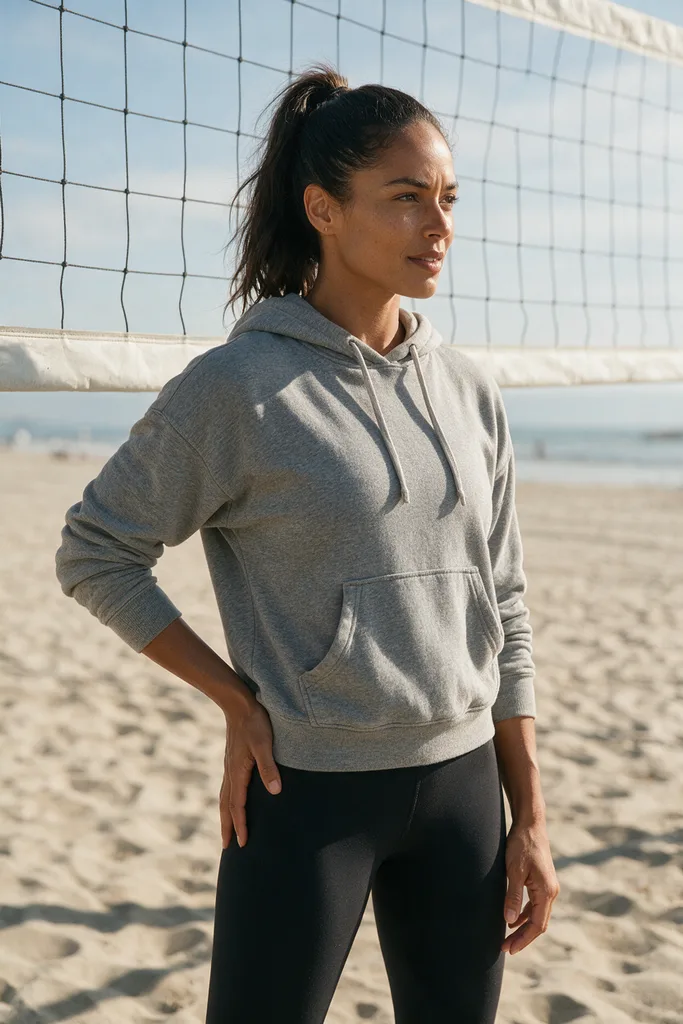
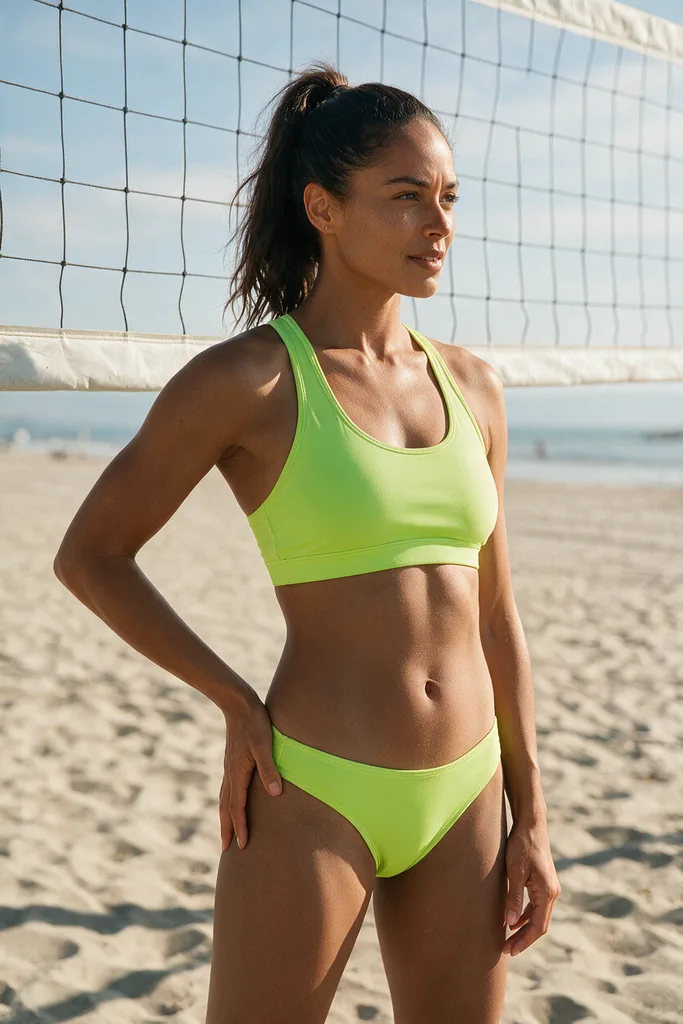
| Grey hoodie | Beach volleyball court | Neon Sport |
| Khaki jumpsuit | Resort lodge pool | Leopard Print |
None of these people started in swimwear. Each AI bikini changer swap kept the scene, so an AI bikini changer works on everyday clothes, not just beach outfits.
How to Use an AI Bikini Changer in 4 Steps
Upload, pick, confirm, download. The whole AI bikini changer run takes about a minute.
- Upload one photo. One adult, facing the camera, with the upper or full body in frame. JPG, PNG or WebP up to 15 MB.
- Pick a preset. Choose 1 of 10 bikini styles. The AI bikini changer takes the outfit from the preset, so there is no prompt to write.
- Confirm the rules. You must be 18 or older and allowed to use the photo.
- Download the result. Wait 20 to 60 seconds, then save the 2K PNG, with no watermark.
AI Bikini Changer Tips by Outfit Type
With an AI bikini changer, match the preset to the mood of the original outfit. A sporty top suits a sporty bikini, and an evening look suits a sleek one.
Dresses and sundresses: easiest starting point
Light dresses already show the shape of the body, which gives the AI bikini changer a clear outline. Bright prints like Tropical Floral and Retro Gingham match a summer dress mood.
Shirts, blouses and tops: keep the pose simple
A shirt or blouse photo works well in an AI bikini changer when the person stands or sits naturally. In our examples, a denim shirt became Noir Halter and a striped top became Ocean Stripe.
Sweaters and cardigans: pick a light, soft style
Knitwear covers more of the body, so for an AI bikini changer choose a photo where the person is not hunched or wrapped up. Cream knits in our examples became White Bandeau and Boho Crochet, which keep a similar soft color.
Blazers, hoodies and jumpsuits: think about the scene
Layered or one-piece outfits work in an AI bikini changer too. Pick a style that fits the place: Gold Shimmer for a rooftop at sunset, Neon Sport for a volleyball court, Leopard Print for a resort pool.
How to Fix a Weak AI Bikini Changer Result
Change the photo before you change the style. Most weak results come from the input, not the preset.
- Crop to one person. An AI bikini changer may change the wrong person in a group photo.
- Show more of the body. A face close-up leaves little room for the outfit.
- Use the original file. In an AI bikini changer, strong filters can distort skin tone and shape.
- Move bags and coats out of the way. Anything held in front of the body hides the outline.
If a run fails or is blocked, the credits are refunded automatically. For harder photos, see our guide to editing any image to bikini AI style.
AI Bikini Changer Rules and Privacy
Use only your own photo or a photo of an adult who agreed. These AI bikini changer rules apply to every image:
- Adults only. Photos of minors are never allowed.
- No explicit content. Nudity and explicit requests are blocked.
- Private results. Photos and results are visible only to your account, never used to train AI models, and kept for 30 days unless you delete them sooner.
Some new accounts get one free image. After that, each AI bikini changer image costs 10 credits; see the pricing plans. For more style matching ideas, read the AI woman bikini style guide.
FAQ
What is an AI bikini changer?
AIBikini is an AI bikini changer, a tool that replaces the outfit in your photo with 1 of 10 preset bikini styles while keeping the face, pose and background.
Does an AI bikini changer work on winter clothes?
Yes. Our AI bikini changer examples include a sweater, a cardigan and a hoodie, each swapped for a bikini in the same scene.
Do I need to write a prompt?
No. The AI bikini changer takes the outfit from the preset you pick, so there is nothing to type.
Will the AI bikini changer change my face?
It is built to keep the face, hair, skin tone, pose and background, though results can vary. A clear, front-facing photo gives the best match.
How long does an AI bikini changer swap take?
About 20 to 60 seconds per image. AI bikini changer results stay in your history for 30 days.
Can I use the AI bikini changer on someone else's photo?
Only if they are an adult and agreed. Photos of minors are never allowed.
How much does the AI bikini changer cost?
Some new accounts get one free image. Otherwise, each image costs 10 credits.