Swimsuit AI vs Bikini AI: Which Tool Fits Your Photo?
By AIBikini · Updated
Swimsuit AI vs bikini AI: see which tools try on one-pieces and tankinis, which only do bikinis, how each handles your photo, and how to pick the right one.
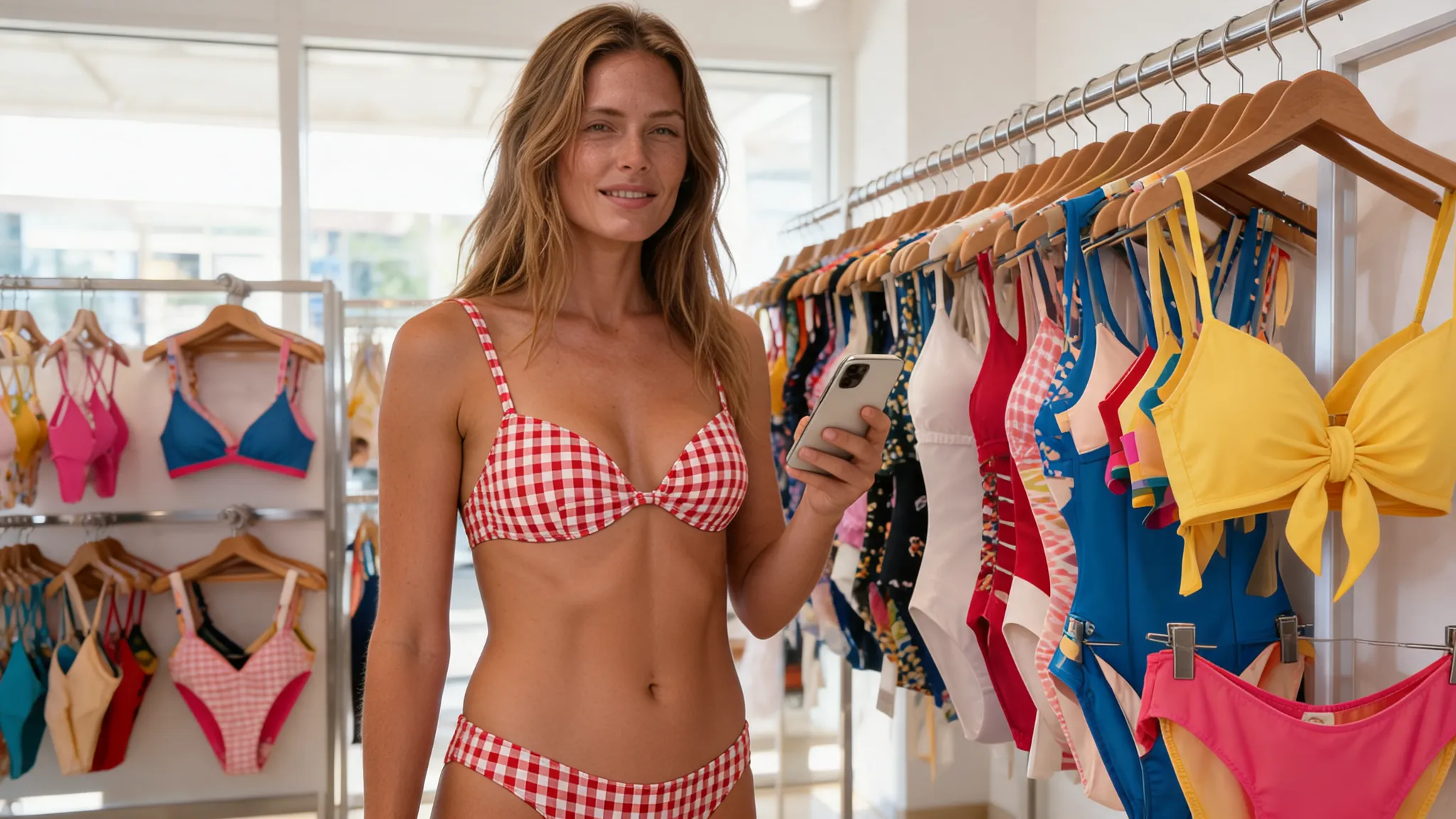
Swimsuit AI or Bikini AI: What's the Difference?
Swimsuit AI covers every kind of swimwear, including one-pieces and tankinis. Bikini AI focuses on two-piece bikinis only.
The swimsuit AI vs bikini AI difference matters when you know what you want to see. If you are deciding between a one-piece and a bikini, you need a swimsuit AI tool that offers both. If you already know you want a bikini, a dedicated tool like the AI bikini generator gives you named bikini styles on your own photo. We checked the official pages of five tools in November 2026 to see which swimwear each one covers.
Swimsuit AI Comparison Table
Only one swimsuit AI tool of the five covers one-pieces and tankinis by name. The others focus on bikinis or on clothes in general.
| Tool | Swimwear it names | How it works | Free use |
|---|---|---|---|
| AIBikini | Bikinis only, 10 presets | Upload a photo, pick a preset | Some new accounts get one free image |
| YouCam | One-pieces, tankinis, mix-and-match and bikinis | Upload a full-body photo, pick a template | 5 credits on sign-up |
| Media.io | Bikinis and "swimsuits", no one-piece named | Brush over clothes and describe the swimwear | Not stated on the page we read |
| Dreamina | Bikinis and "swimwear" | Text prompt, or a photo plus a prompt | Free trial credits |
| Fotor | No swimwear named | General AI outfit changer | Daily tasks for free credits |
Each row lists only what the official page says. Free offers change often, so check each page before you rely on it.
When to Use a Swimsuit AI Tool
Use a broader swimsuit AI tool when you haven't decided on the type of swimwear yet.
- One-piece or bikini? YouCam's swimsuit AI page names "tankini, one-pieces, or mix-and-match designs", so you can compare types on one photo.
- Your own design. YouCam also lets you upload a swimsuit design as a reference.
- Mixed outfits. A general outfit changer like Fotor is built for clothes in general, not for swimwear in particular.
YouCam's swimsuit AI page asks for a clear, well-lit, full-body photo facing the camera. It does not say whether your face and pose are kept.
When to Use a Bikini AI Tool
Use a bikini AI tool when you want specific bikini styles and want to keep the rest of your photo.
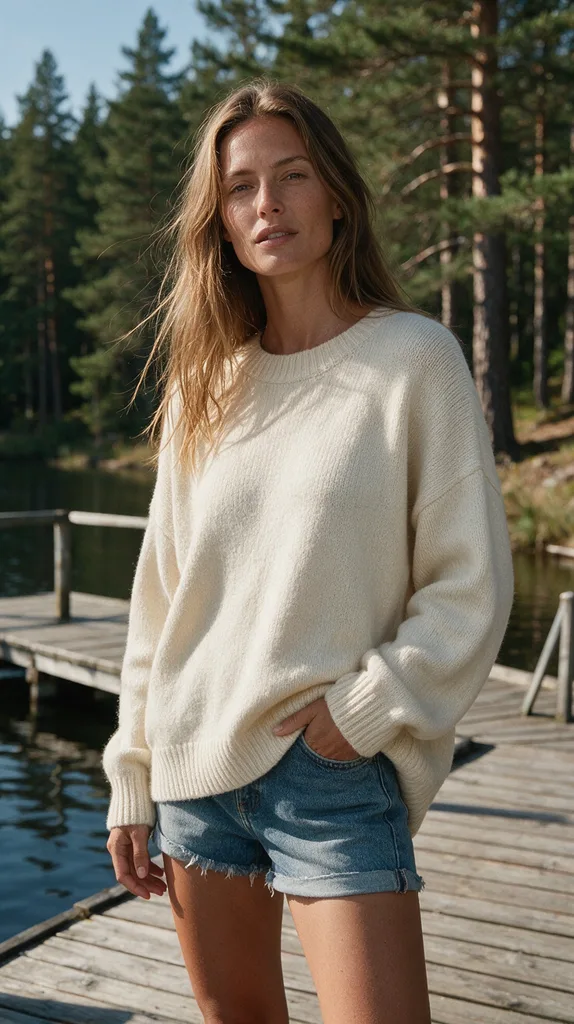
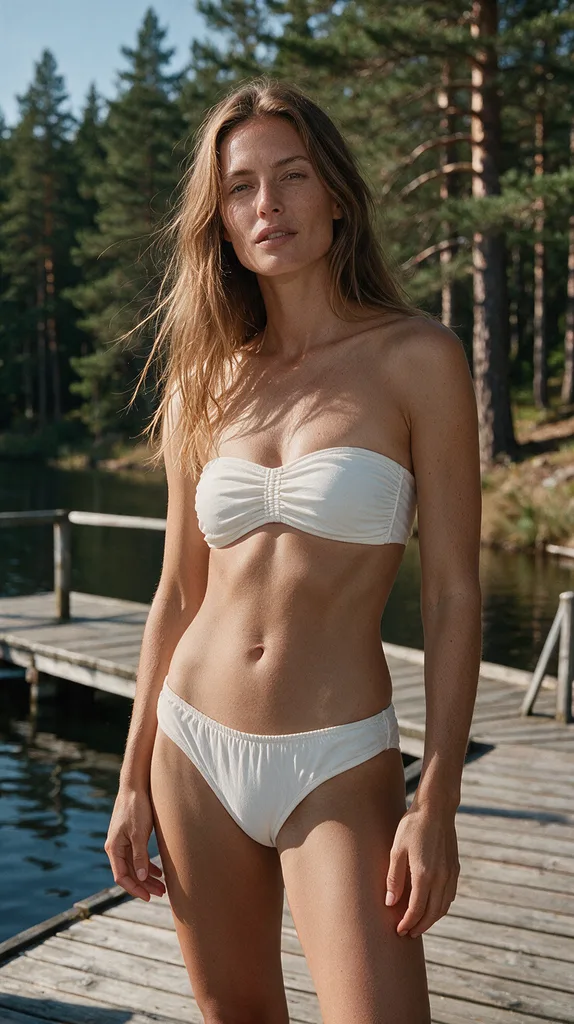
AIBikini has 10 named bikini presets, from Coral Triangle and Noir Halter to Boho Crochet and Neon Sport. It is told to change only the clothing and keep the face, hairstyle, skin tone, body shape, pose, camera angle and background. The result is a 2K PNG with no watermark in about 20 to 60 seconds. It does not offer one-pieces, so for a one-piece you need a broader swimsuit AI tool.
How to Choose Between Swimsuit AI and Bikini AI
Decide on the type of swimwear first, then the swimsuit AI tool.
- Not sure about the type? Start with a swimsuit AI tool that names one-pieces and tankinis.
- Want a bikini? Use a bikini tool with named styles, so you see a defined cut and color.
- Care about your face and pose? Pick a tool whose page says it keeps them. AIBikini states this; YouCam's page does not.
- Check the rules. Use only your own photo or one from an adult who agreed, and read each swimsuit AI tool's privacy terms.
For a wider comparison of bikini tools, read our best AI bikini generator guide. To compare swimsuit AI with shopping in person, see AI swimsuit try-on vs the fitting room.
Swimsuit AI Rules on AIBikini
The swimsuit AI rules are the same for every image.
- Adults only. You must be 18 or older, and photos of minors are never allowed.
- Permission required. Use your own photo or one from an adult who agreed.
- No explicit content. Nudity and explicit requests are blocked, and the credits are refunded.
- Private results. Photos and results are visible only to your account, never used to train AI models, and kept for 30 days unless you delete them sooner.
Some new accounts get one free image; after that, each image costs 10 credits. See the pricing plans.
FAQ
What is swimsuit AI?
Swimsuit AI is a tool that shows swimwear on a photo. AIBikini is an AI bikini generator, a swimsuit AI tool that focuses on bikinis and changes the outfit in your photo to 1 of 10 preset styles.
Which swimsuit AI tool does one-pieces?
Of the five tools we checked, YouCam is the only one whose page names one-pieces and tankinis. AIBikini does bikinis only.
Is swimsuit AI free?
Most swimsuit AI tools have a free start. YouCam gives 5 credits on sign-up, Dreamina offers free trial credits, and some new AIBikini accounts get one free image.
Does swimsuit AI keep my face?
It depends on the swimsuit AI tool. AIBikini is built to keep the face, pose and background. YouCam's page does not say.
Can swimsuit AI show how a swimsuit fits?
No. A swimsuit AI image shows a style, not the fit of a real garment. Use the seller's size chart for fit.
Can I use swimsuit AI on someone else's photo?
Only if they are an adult and agreed. Swimsuit AI photos of minors are never allowed on AIBikini.
How long does swimsuit AI take on AIBikini?
About 20 to 60 seconds per image, with a 2K PNG and no watermark.