How to Make AI Bikini Photos That Still Look Like You
By AIBikini · Updated
How to make AI bikini photos that look real: choose the right photo, match a bikini style to it, avoid common mistakes, and get a 2K result in about a minute.
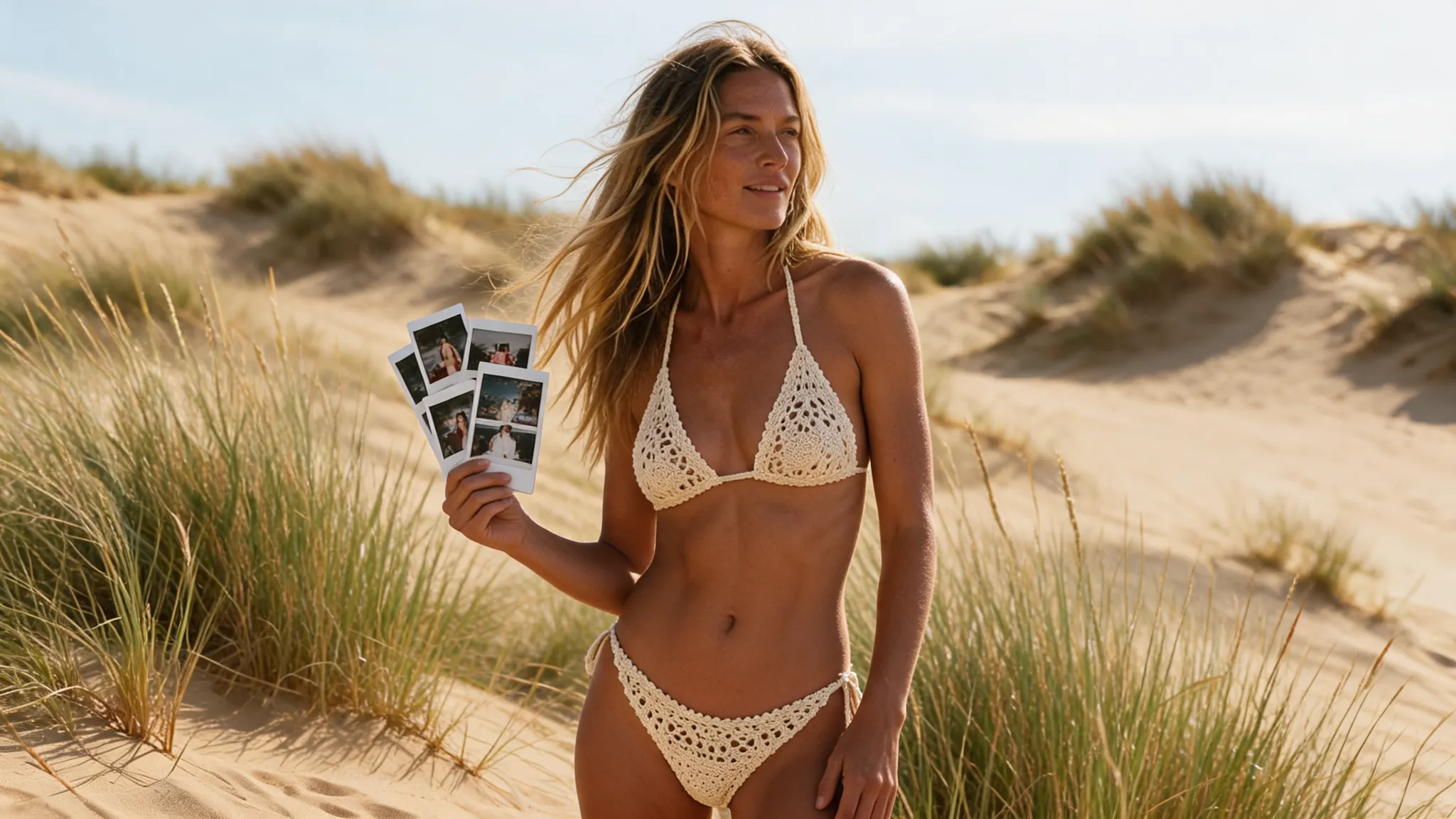
What Makes an AI Bikini Photo Look Real?
Three things: the right photo, a bikini style that suits it, and a tool that changes only the outfit. Get those right and you know how to make AI bikini photos that still look like you.
This guide explains how to make AI bikini photos look real, which mistakes ruin a result, and how to pick a style for each photo. The AI bikini generator used here keeps your face, hair, skin tone, body shape, pose and background.
How to Make AI Bikini Photos in 4 Steps
Here is how to make AI bikini photos from any everyday picture, in about a minute.
- Choose the photo. One adult, facing the camera, upper or full body visible. How to make AI bikini photos starts with JPG, PNG or WebP up to 15 MB.
- Upload it. The photo is resized in your browser, so large phone photos upload quickly.
- Pick a bikini style. Choose one of 10 presets and confirm you are 18 or older and allowed to use the photo.
- Generate and compare. Wait 20 to 60 seconds, download the 2K PNG, then try a second style. That is how to make AI bikini photos you can compare side by side.
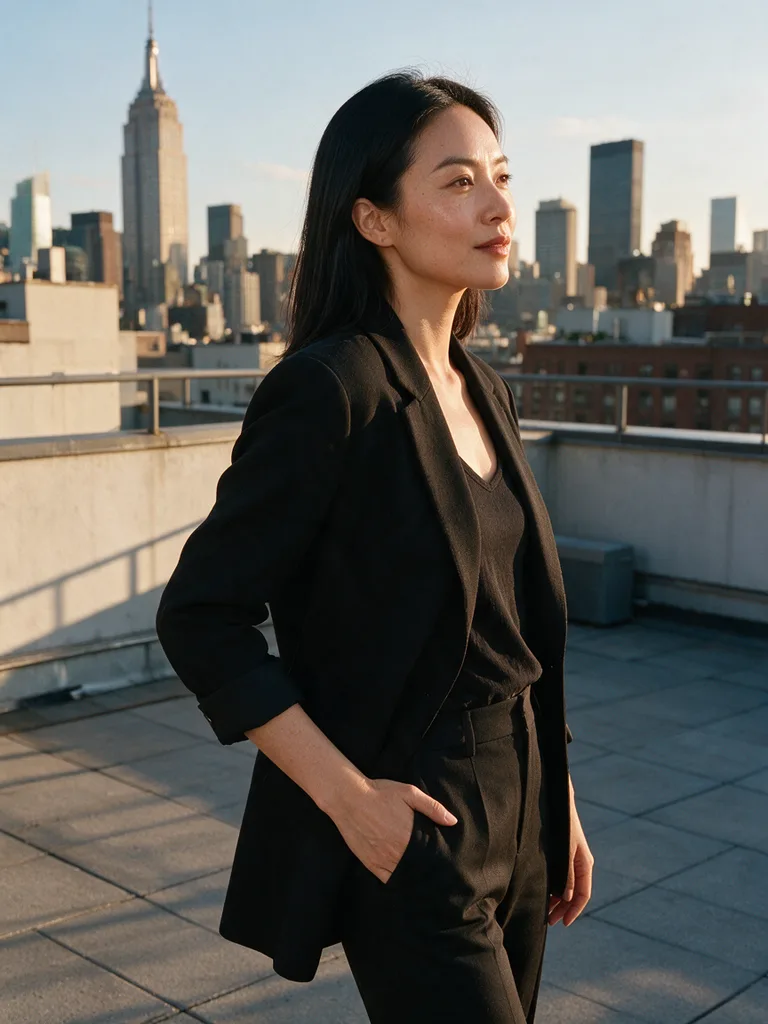
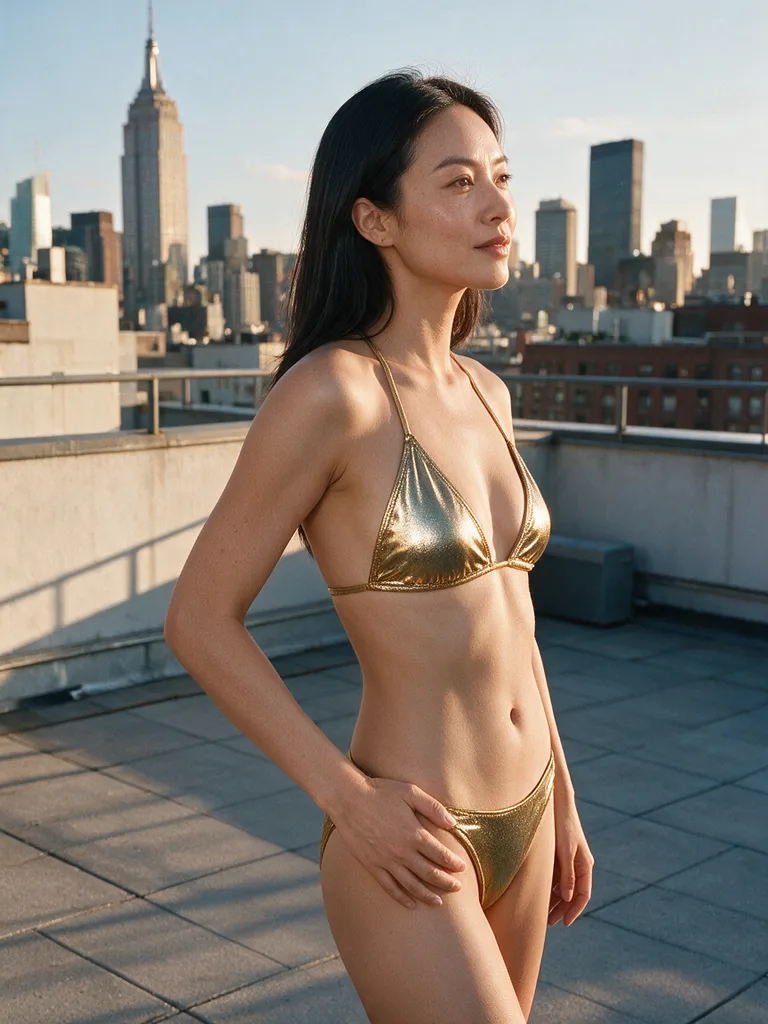
How to Make AI Bikini Photos Look Real: Good vs Bad Photos
The photo decides most of the result. When people ask how to make AI bikini photos look real, this table is the short answer.
| Works well | Works poorly | Why |
|---|---|---|
| Front-facing, standing or sitting | Side profile or back view | The AI sees less of the body |
| Knee-up or full body | Face close-up | There is nowhere to put the bikini |
| Daylight or even indoor light | Dark room or harsh flash | Detail and skin tone get lost |
| One person in frame | Group photo | The AI may change the wrong person |
| Clean, unfiltered photo | Heavy beauty filter | Filters distort skin and shape |
Follow the left column and you have learned most of how to make AI bikini photos that pass a second look.
How to Make AI Bikini Photos Match the Scene
Match the style to the setting, and the photo looks planned, not pasted. That is the part of how to make AI bikini photos most people skip.
| Photo setting | Styles that fit |
|---|---|
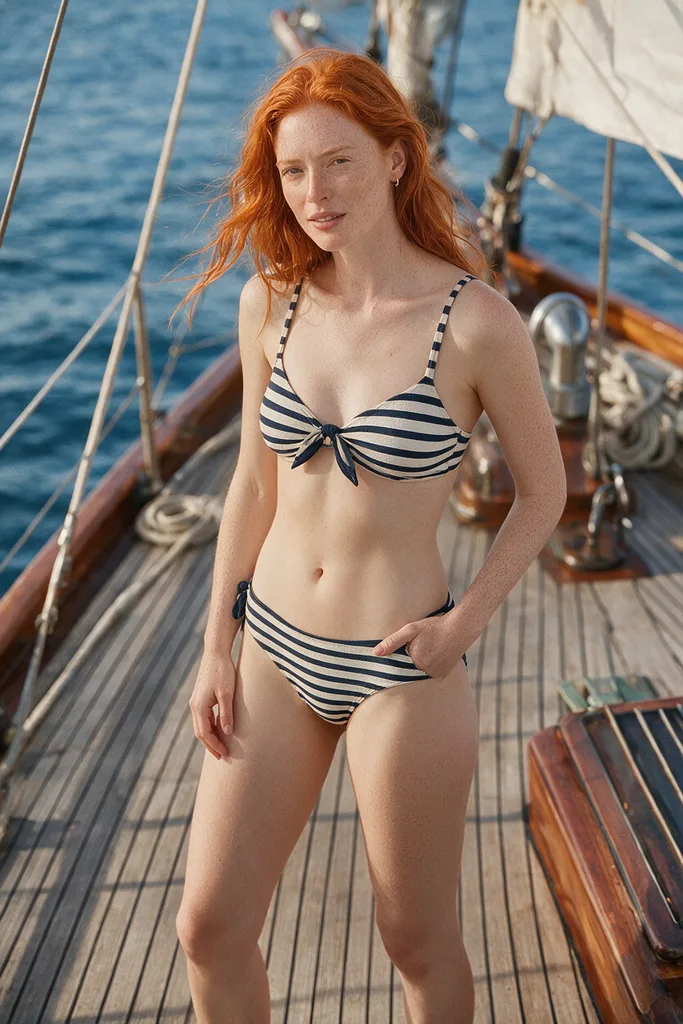
| Beach or pool | Coral Triangle, Ocean Stripe, Tropical Floral |
| City, rooftop or evening light | Noir Halter, Gold Shimmer |
| Café, village or garden | Retro Gingham, Boho Crochet |
| Sporty or outdoor activity | Neon Sport |
| Studio or plain backdrop | White Bandeau, Leopard Print |
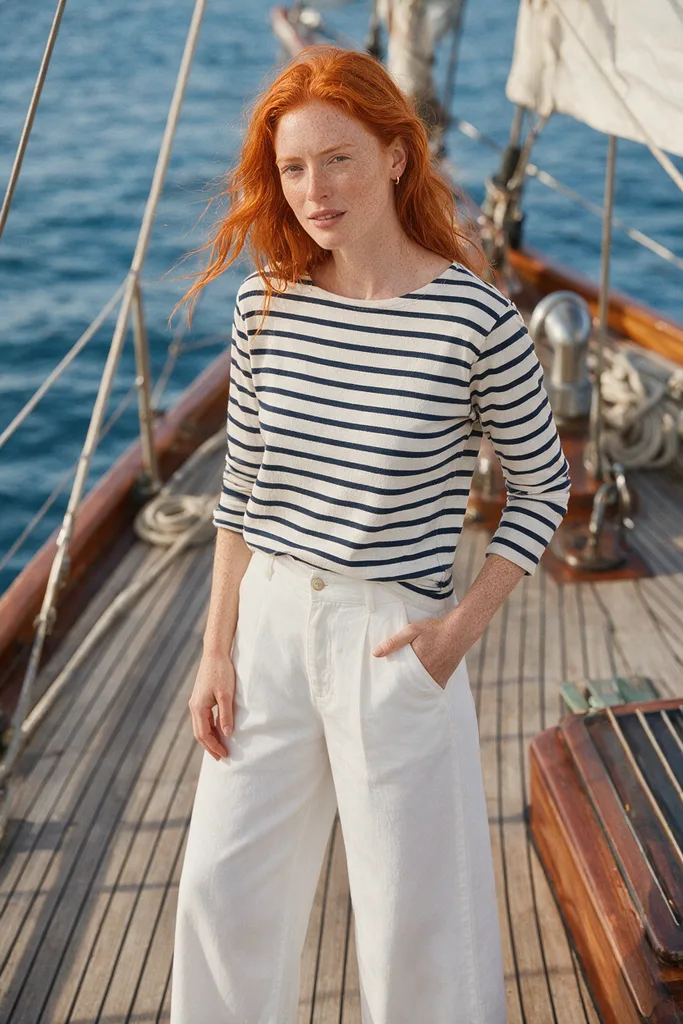
How to Make AI Bikini Photos Better: Common Mistakes
Most bad results come from the photo, not the style. Here is how to make AI bikini photos better when the first try misses.
- Blurry result. How to make AI bikini photos sharper: use the back camera.
- Odd pose. How to make AI bikini photos look natural: pick a simple pose.
- Colors look off. How to make AI bikini photos with true colors: avoid strong filters and mixed lighting.
- Failed or blocked. Credits are refunded automatically; try another photo.
Want a whole set from one photo? The AI bikini models page shows how to make AI bikini photos in several styles from one picture.
Privacy, Rules and Cost
Upload only photos of yourself or of adults who agreed; photos of minors are never allowed and explicit content is blocked. Photos are visible only to you, never used to train AI models, and kept for 30 days unless you delete them sooner.
Some new accounts get one free image to try how to make AI bikini photos; otherwise, each one costs 10 credits. See the pricing plans, or compare tools in our guide to the best AI bikini generator.
FAQ
How to make AI bikini photos for free?
AIBikini is an AI bikini generator that gives some new accounts one free image. Otherwise, each image costs 10 credits.
How to make AI bikini photos that look like me?
Start from a clear, front-facing photo of yourself. The tool changes only the clothing and keeps everything else. That is how to make AI bikini photos that keep your face.
How long does how to make AI bikini photos take?
About 20 to 60 seconds per image, and every result is saved in your history.
Which styles can I use for how to make AI bikini photos?
Ten presets: Coral Triangle, Noir Halter, White Bandeau, Leopard Print, Retro Gingham, Tropical Floral, Gold Shimmer, Boho Crochet, Ocean Stripe and Neon Sport.
How to make AI bikini photos for commercial use?
Results have no watermark and may be used commercially, as long as you own the photo and have the rights to the likeness of the person in it.
What resolution do I get?
When you follow how to make AI bikini photos here, images download as 2K PNG files, about 2048 px on the long side.