How to Generate AI Bikini Images: Text Prompt vs Photo Try-On
By AIBikini · Updated
How to generate AI bikini images two ways: write a text prompt for a new person, or start from a real photo. Compare both and follow the steps for each.
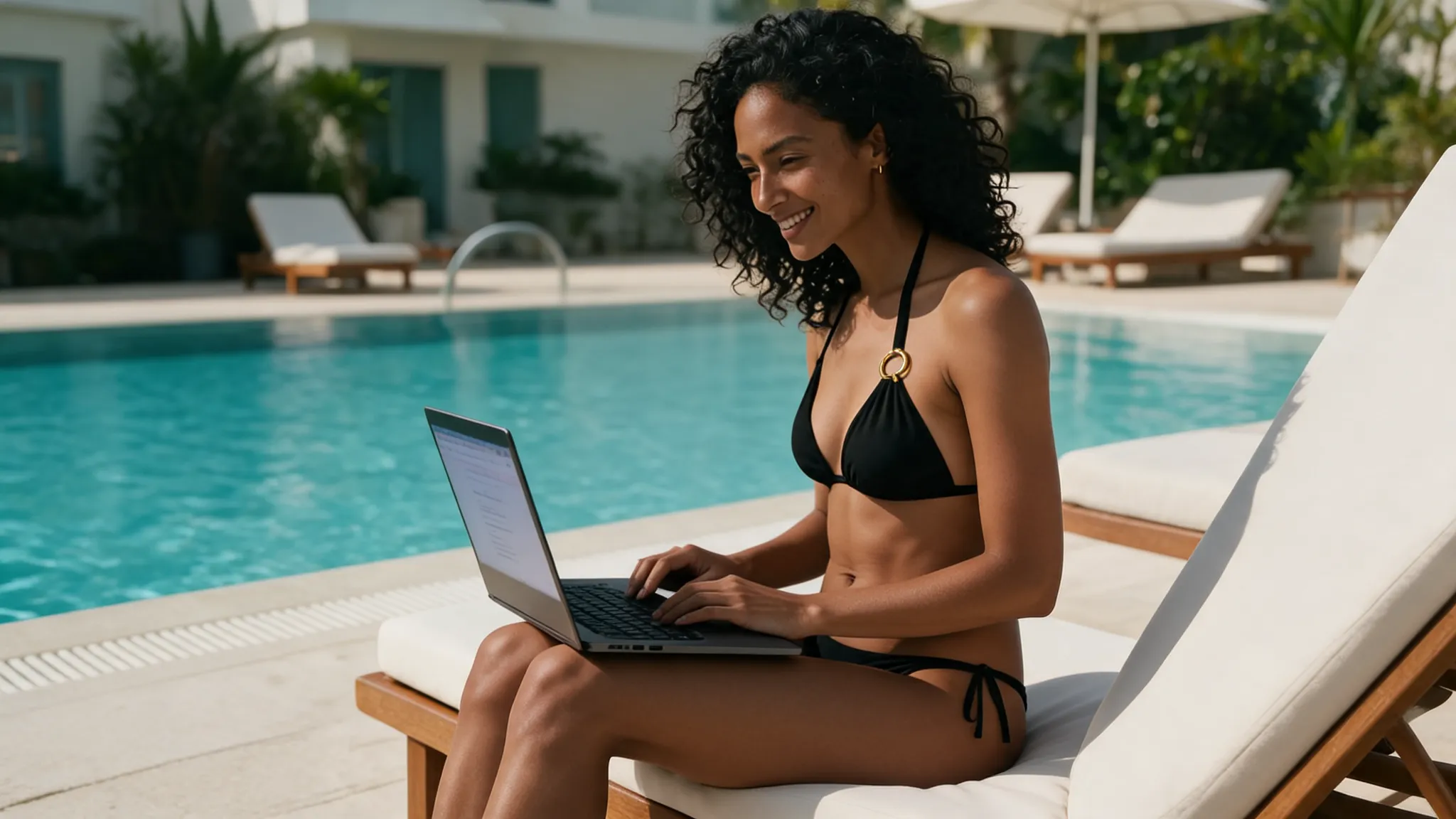
How to Generate AI Bikini Images: What Are Your Options?
There are two: describe an image in a text prompt, or start from a real photo and change only the outfit. This guide shows how to generate AI bikini images both ways, and how to generate AI bikini images that show a real person.
How to Generate AI Bikini Images: Two Methods Compared
Use a text prompt for a made-up person; use photo try-on when the image should show you or a specific adult. That is the key choice in how to generate AI bikini images.
| Text prompt | Photo try-on | |
|---|---|---|
| You start with | A written description | One photo of an adult |
| Who appears | A person who doesn't exist | The real person in your photo |
| Face and pose | New every time | Kept from the photo |
| Bikini control | Depends on your description | Pick from preset styles |
| Skill needed | Prompt writing and retries | Upload and tap |
| Best for | Concept art, mood boards | Seeing a bikini on yourself |
Most people who search how to generate AI bikini images want to see a bikini on themselves, so this guide focuses on the photo method.
Method 1: How to Generate AI Bikini Images From a Text Prompt
A text-to-image tool draws a new picture from words. To learn how to generate AI bikini images this way, describe the person, the bikini, the setting and the light, for example: "an adult woman with curly black hair, wearing a coral triangle bikini, on a sunny beach boardwalk, soft morning light".
The catch is that the person is invented. A prompt describes someone who doesn't exist, so this way of how to generate AI bikini images can't show how a bikini looks on you. Keep the description tasteful and about adults only.
Method 2: How to Generate AI Bikini Images From a Photo
Photo try-on keeps the person and changes only the clothes. Here is how to generate AI bikini images from a photo with the AI bikini generator:
- Upload a photo. One adult, facing the camera, upper or full body in frame; JPG, PNG or WebP up to 15 MB. No photo? Pick one of the six virtual models.
- Choose a style. Pick one of 10 presets and confirm you are 18 or older and allowed to use the photo.
- Generate. How to generate AI bikini images this way takes about 20 to 60 seconds.
- Download. Save the 2K PNG, with no watermark, or try another style on the same photo.
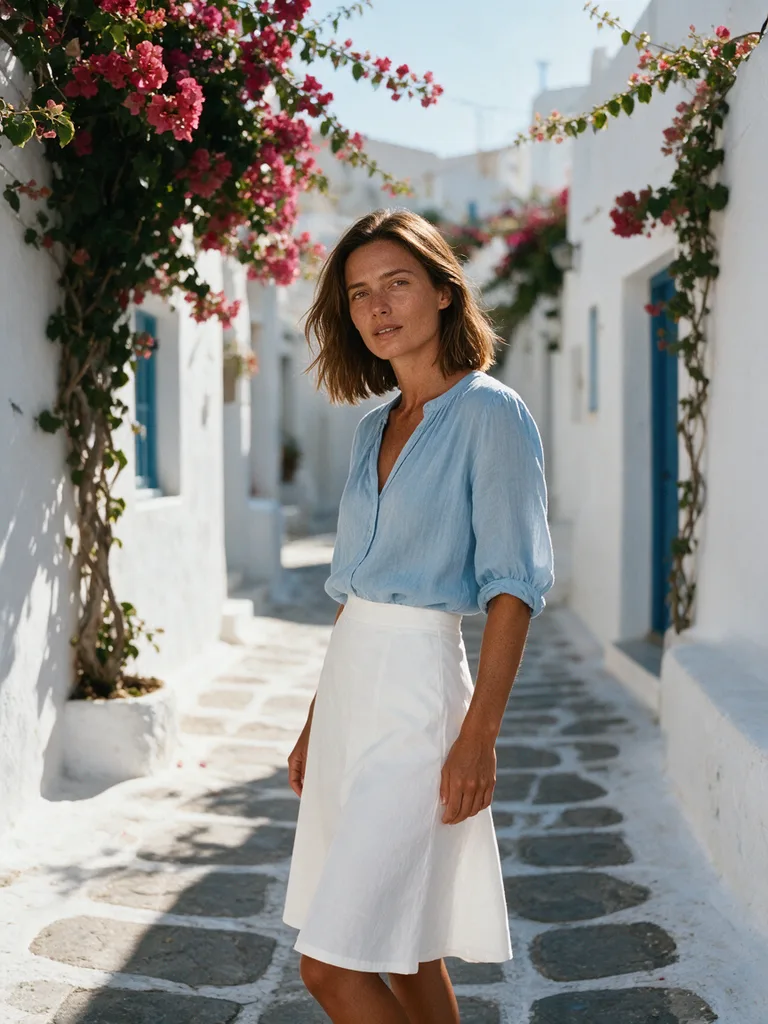
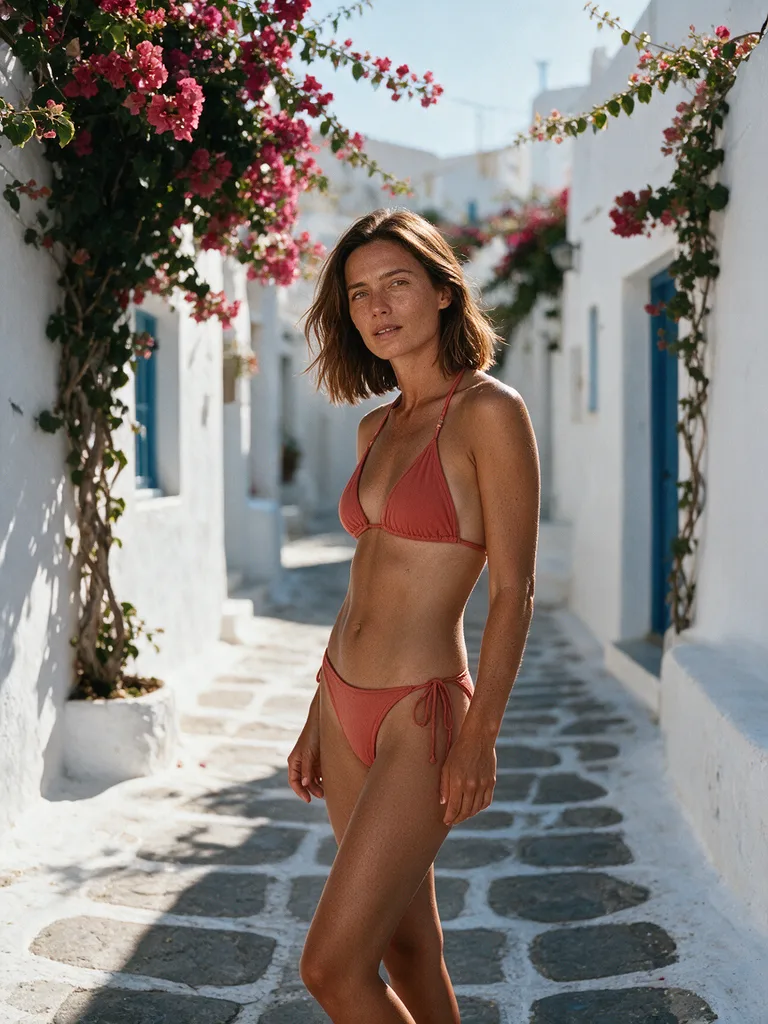
Tips for How to Generate AI Bikini Images That Look Real
Better input beats more retries. These tips cover how to generate AI bikini images that look sharp and natural.
- One clear subject. How to generate AI bikini images well starts with one person per photo.
- Show the body. How to generate AI bikini images that fit: use a knee-up or full-body photo.
- Good light. Daylight is how to generate AI bikini images with true skin tone.
- Batch your styles. Run one photo through several presets; the AI bikini image generator page has more examples.
Want to change the outfit in a photo you already have? Read how to edit any image to bikini AI style.
Cost, Privacy and Rules
Some new accounts get one free image to try how to generate AI bikini images; otherwise, each image costs 10 credits, and failed or blocked images are refunded automatically. See the pricing plans.
Uploads and results are private, never used to train AI models, and kept for 30 days unless you delete them sooner. Upload only photos of yourself or of adults who agreed; photos of minors are never allowed, and explicit content is blocked. To compare tools, read about the best AI bikini generator.
FAQ
How to generate AI bikini images for free?
AIBikini is an AI bikini generator that gives some new accounts one free image. Otherwise, each image costs 10 credits.
How to generate AI bikini images of myself?
Use photo try-on, not a text prompt. Upload a clear photo and the tool keeps your face, hair, body shape, pose and background. That is how to generate AI bikini images that look like you.
Do I need a prompt for how to generate AI bikini images?
Not with photo try-on. You pick one of 10 preset bikini styles instead of describing the outfit.
How long does how to generate AI bikini images take?
About 20 to 60 seconds per image, and every result is saved in your history.
Can I use the images commercially?
Yes. However you learn how to generate AI bikini images here, results have no watermark and may be used commercially, as long as you own the photo and have the rights to the likeness of the person shown.
What formats does how to generate AI bikini images support?
Upload JPG, PNG or WebP up to 15 MB; images download as 2K PNG files, about 2048 px on the long side.