Bikini AI Filter vs AR Camera Filters: What's the Difference?
By AIBikini · Updated
Bikini AI filter vs AR camera filters: how a photo bikini AI filter differs from live Snapchat and TikTok effects, what their rules allow, and how to use it.
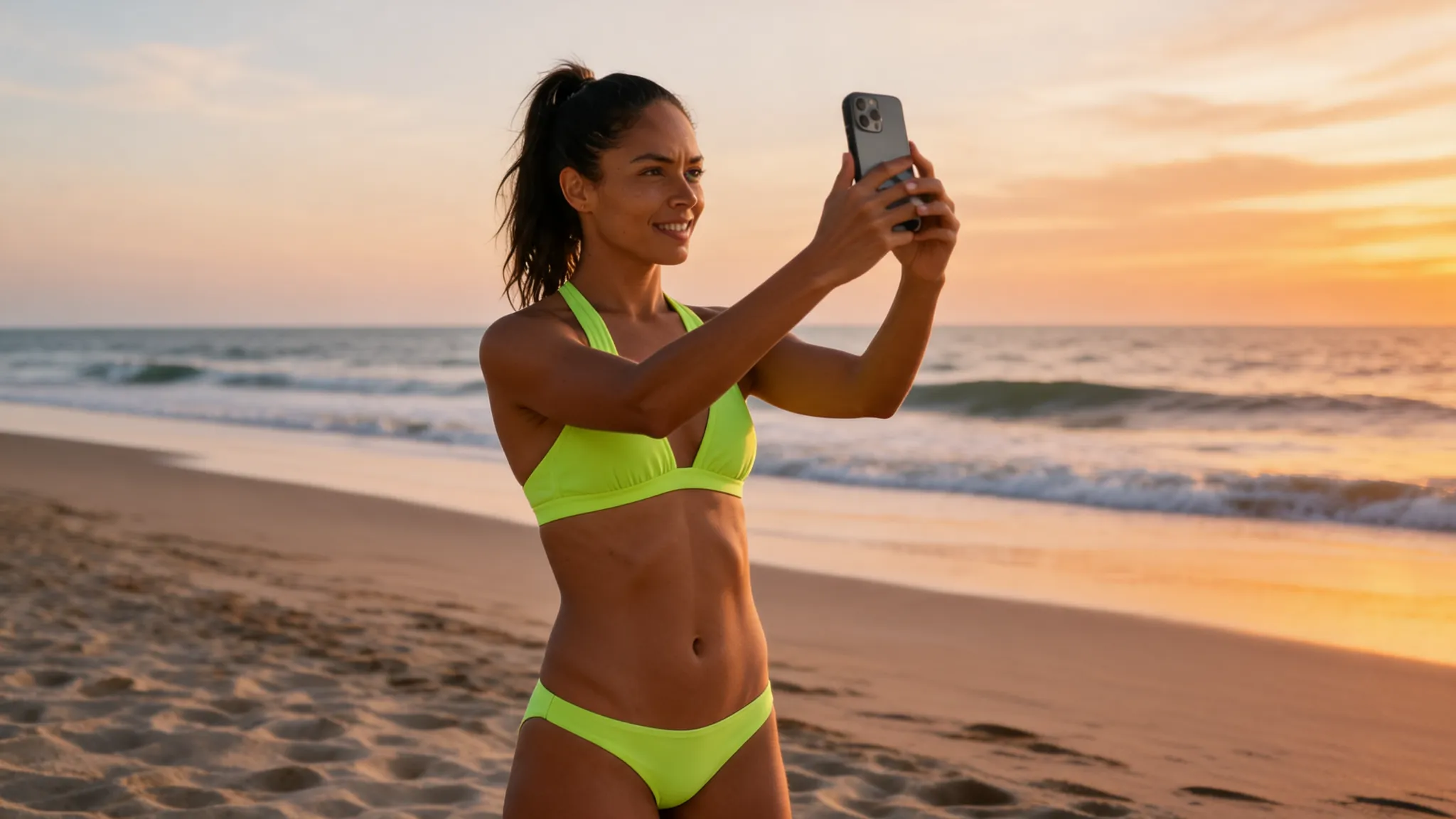
What Is a Bikini AI Filter?
A bikini AI filter changes the outfit in a still photo to a bikini. It is a photo edit, not a live camera effect.
The word "filter" makes people think of the effects in Snapchat or TikTok, which run while the camera is on. A bikini AI filter like the AI bikini generator works differently: you upload a finished photo, pick a style, and get back a new image of the same person in a bikini. This guide explains the difference and shows how to use a bikini AI filter.
Bikini AI Filter vs AR Filter: Comparison Table
An AR filter works live on the camera. A bikini AI filter works on a photo you already took.
| Bikini AI filter (AIBikini) | Snapchat Lens | TikTok effect | |
|---|---|---|---|
| Works on | A still photo you upload | The live camera, front or rear | Content made in TikTok |
| Speed | About 20 to 60 seconds per image | Real time | Applied inside the app |
| Output | 2K PNG, no watermark | A Snap | A TikTok video |
| Where you use it | In the browser | In Snapchat | In TikTok |
| Who builds it | One studio with 10 bikini presets | Creators in Lens Studio | Creators in Effect House |
| Sexual content | Nudity and explicit requests blocked | Nudity and sexually suggestive Lenses prohibited | Sexually explicit or gratifying effects not allowed |
Sources: Snap's Lens Studio guide and Lens submission guidelines, and TikTok's Effect House and effect guidelines.
How AR Camera Filters Work
AR filters are effects that run on the camera in real time. Snap says Lens Studio creates "Face Lenses (front camera experiences) and World Lenses (rear camera experiences)", and you can see Lenses "in real-time from within Snapchat."
TikTok describes Effect House as a way to "build fun and creative effects for TikTok". On Instagram and Facebook, Meta shut down its Meta Spark platform of third party tools and content on January 14, 2025, and said only AR effects owned by Meta would stay available, according to Meta's announcement.
What AR Filter Rules Say About Sexualized Effects
Both big platforms restrict sexualized effects in their published rules.
- Snapchat: Snap's guidelines prohibit nudity and sexually suggestive content, including "emphasis on frequently-sexualized body parts".
- TikTok: TikTok says "We do not allow sexually explicit or gratifying content inside TikTok effects".
Neither set of guidelines mentions swimwear, and neither says anything about changing clothes. A bikini AI filter that works on photos is a separate kind of tool.
How to Use a Bikini AI Filter in 4 Steps
Upload a photo, pick a style, confirm the rules, then download.
- Upload one photo. One adult, facing the camera, upper or full body in frame. JPG, PNG or WebP up to 15 MB. No photo? Pick one of the six virtual models.
- Pick a bikini style. The bikini AI filter has 10 presets, from Coral Triangle to Neon Sport. There is no prompt to write.
- Confirm the rules. You must be 18 or older and allowed to use the photo.
- Download. The bikini AI filter result is ready in about 20 to 60 seconds as a 2K PNG.
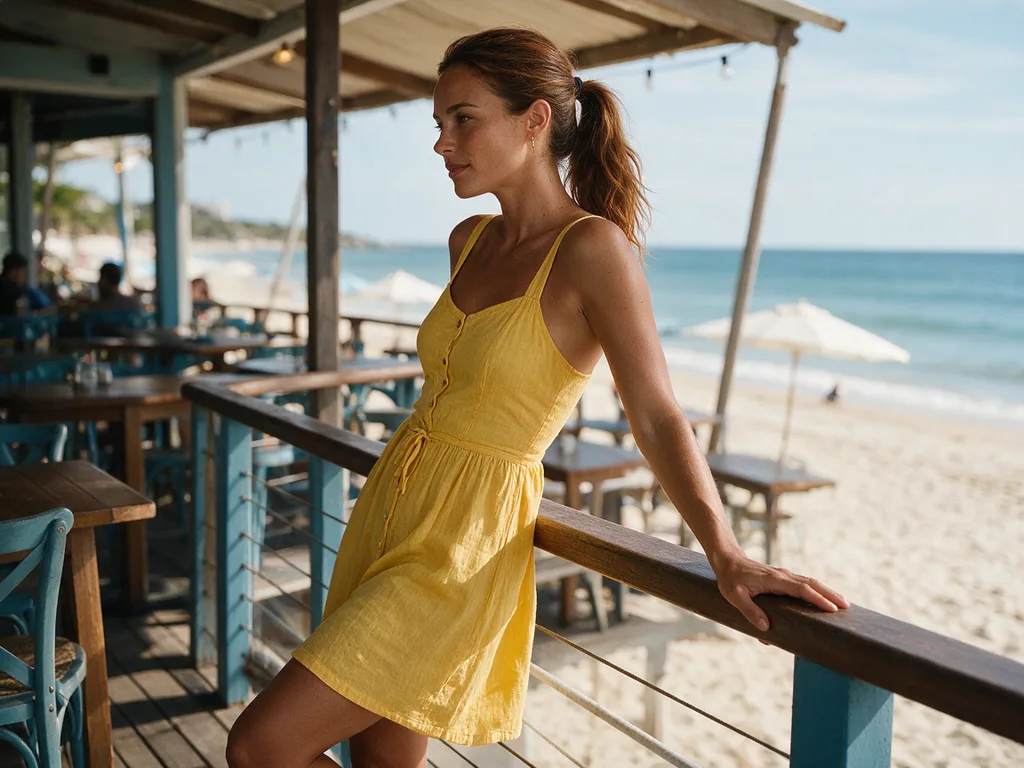
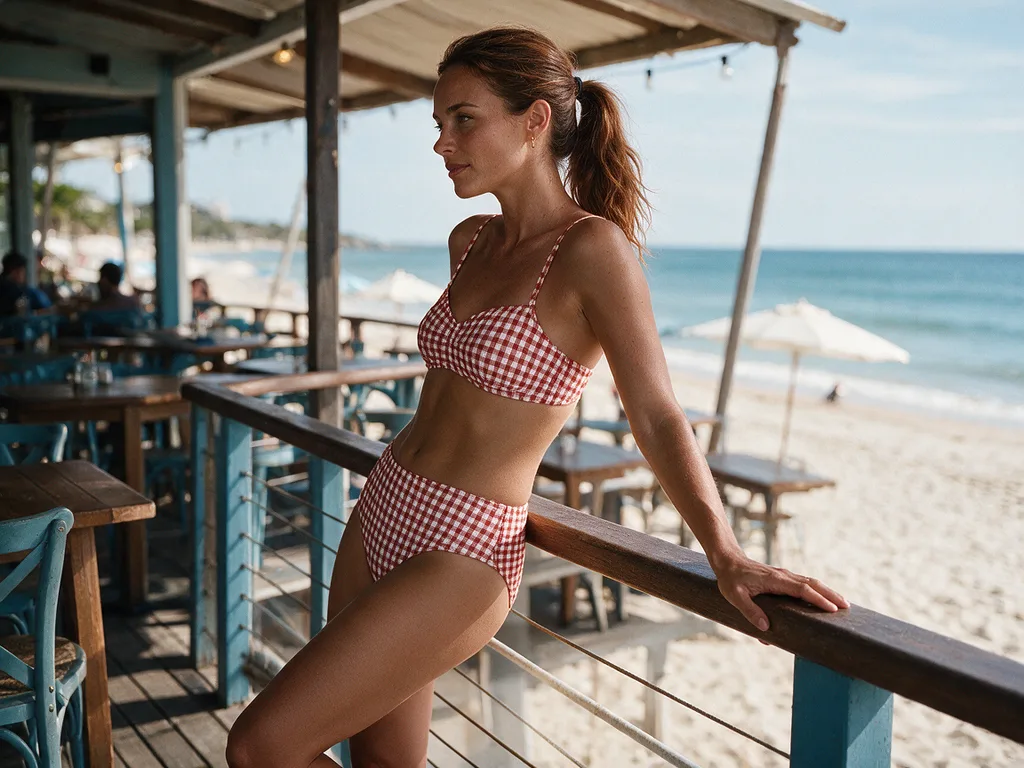
Tips for a Natural Bikini AI Filter Result
Start your bikini AI filter edit from a clean original. A bikini AI filter does best when it can see the person clearly.
- Use the unfiltered original. Beauty filters already applied in a camera app can distort skin and shape.
- Show the body. A face-only selfie leaves no room for the outfit.
- One person only. Crop group photos so the bikini AI filter changes the right person.
- Match the scene. Pick a style that fits the place; our AI any image to bikini guide pairs styles with scenes.
For a step-by-step on phone photos, read how to make a bikini pic AI style.
Bikini AI Filter Rules and Privacy
Every bikini AI filter image on AIBikini follows the same rules.
- Adults only. Photos of minors are never allowed.
- Permission required. Use your own photo or one from an adult who agreed.
- No explicit content. Nudity and explicit requests are blocked, and the credits are refunded.
- Private results. Photos and results are visible only to your account, never used to train AI models, and kept for 30 days unless you delete them sooner.
Some new accounts get one free image. After that, each bikini AI filter image costs 10 credits; see the pricing plans.
FAQ
What is a bikini AI filter?
AIBikini is a bikini AI filter, a tool that changes the outfit in an uploaded photo to 1 of 10 preset bikini styles while keeping the face, pose and background.
Is there a bikini AI filter on Snapchat or TikTok?
Their published effect guidelines prohibit nudity and sexually suggestive or explicit effects, and neither mentions swimwear. A bikini AI filter for photos is a separate kind of tool.
Does the bikini AI filter work on live video?
No. A bikini AI filter works on still photos. Upload a photo and get a new image back in about 20 to 60 seconds.
Can I use a selfie with the bikini AI filter?
Yes, if it shows the upper or full body. For a bikini AI filter, a face close-up leaves too little room for the outfit.
Does the bikini AI filter add a watermark?
No. Results download as a 2K PNG with no watermark.
Can I use the bikini AI filter on someone else's photo?
Only if they are an adult and agreed. Photos of minors are never allowed.
How much does the bikini AI filter cost?
Some new accounts get one free image. Otherwise, each image costs 10 credits.