AI Bikini Image Generator vs Photoshop: Which Should You Use?
By AIBikini · Updated
AI bikini image generator vs Photoshop: compare skill, speed, control and cost for changing an outfit in a photo, then pick the right tool for your job.
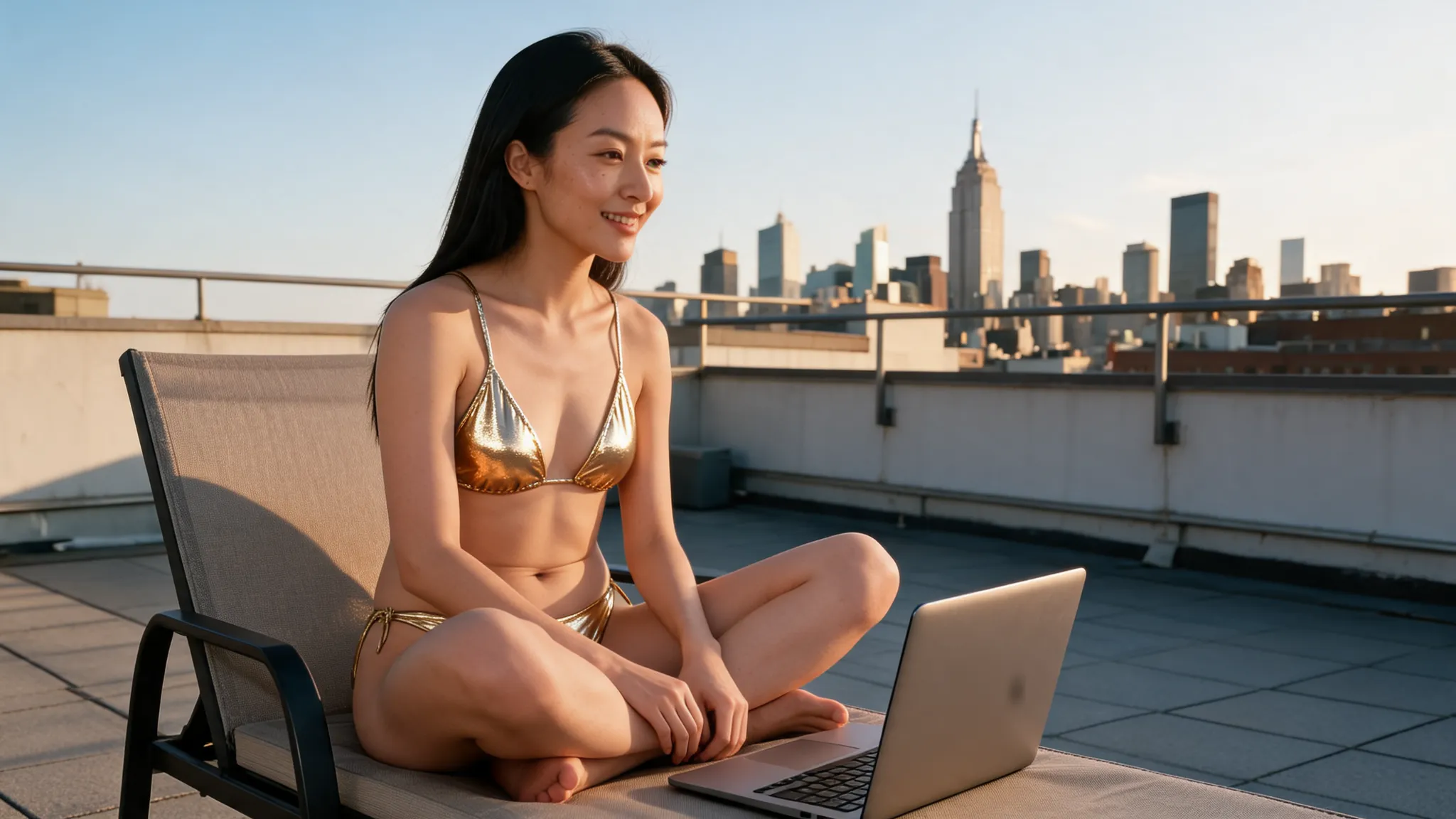
AI Bikini Image Generator or Photoshop: Which Is Better?
Use an AI bikini image generator when you want a finished result fast with no editing skill. Use Photoshop when you need exact control over the design and already know the software.
Both can change an outfit in a photo, but they ask very different things of you. An AI bikini image generator asks for one photo and one tap. Photoshop asks you to select the area, write a prompt and refine the result. We checked Adobe's help pages in November 2026 for the Photoshop details below.
AI Bikini Image Generator vs Photoshop: Comparison Table
An AI bikini image generator wins on speed and simplicity, while Photoshop wins on control.
| AIBikini | Photoshop | |
|---|---|---|
| How it works | Upload a photo, pick a preset | Select an area, type a prompt, refine |
| Skill needed | None | Selection and retouching skills help |
| Bikini choice | 10 preset styles | Anything you describe or build |
| Time per image | About 20 to 60 seconds | Depends on the edit and retries |
| Cost | 10 credits per image; some new accounts get one free | Adobe plan and generative credits |
| Output | 2K PNG, no watermark | Your choice of format and size |
| Best for | Quick, realistic try-ons | Custom designs and detailed retouching |
How an AI Bikini Image Generator Works
An AI bikini image generator changes the clothing and leaves the rest of the photo alone. On AIBikini, the steps are short:
- Upload one photo. Use a JPG, PNG or WebP up to 15 MB, or pick one of six virtual models.
- Choose a style. Pick one of 10 presets, from Coral Triangle to Neon Sport.
- Generate and download. Wait 20 to 60 seconds and save the 2K PNG.
This AI bikini image generator is told to keep the face, hair, skin tone, body shape, pose and background. You don't draw a selection or write a prompt, so the AI bikini image generator suits beginners and quick tests alike.

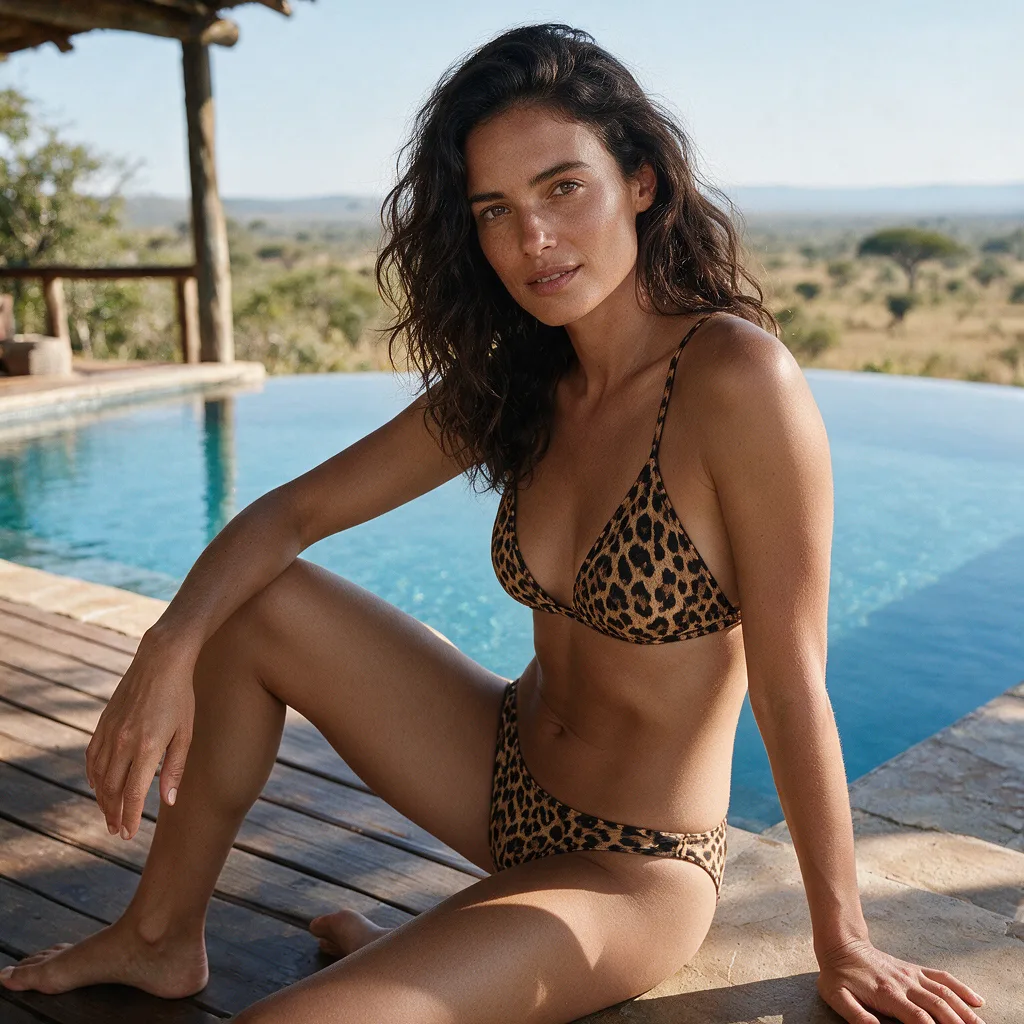
How Photoshop Handles the Same Edit
Photoshop gives you more control, but you do more of the work. Adobe's Generative Fill guide for Photoshop on the web describes the flow: select the area, choose Generative fill in the contextual task bar, type a prompt and generate.
Skin edges, straps and shadows may still need manual cleanup. Adobe also says generative credit use varies by feature and plan, so check your plan before a big batch. An AI bikini image generator skips that planning, though it gives up the fine control.
When to Choose an AI Bikini Image Generator
Choose an AI bikini image generator when speed matters more than custom design.
- You have no editing experience. An AI bikini image generator needs no layers, masks or prompts.
- You want to compare looks. Run one photo through several presets in minutes.
- You are on a phone. The AI bikini image generator runs in a mobile browser, with no app to install.
- You want a predictable cost. An AI bikini image generator charges 10 credits per image, and failed or blocked images are refunded. See the pricing plans.
When to Choose Photoshop
Choose Photoshop when the design itself has to be exact. An AI bikini image generator with presets can't reproduce your own swimwear product or a custom print.
- You sell a specific bikini. Buyers need to see the real item, not a similar preset.
- You need pixel-level fixes. Layers and masks let you correct small details by hand.
- You already use Adobe. If your plan includes generative credits, you can try Generative Fill there first.
Can You Use Both Together?
Yes. Start with an AI bikini image generator to test which style suits a photo, then open the best result in Photoshop for final retouching. Our best AI bikini generator guide compares more dedicated tools.
FAQ
Is an AI bikini image generator better than Photoshop?
For speed and ease, yes. For custom designs and fine control, Photoshop is the stronger choice.
Is there a free AI bikini image generator?
AIBikini is an AI bikini image generator that gives some new accounts one free image. Otherwise, each image costs 10 credits.
Do I need a prompt for an AI bikini image generator?
Not on AIBikini. You pick one of 10 preset styles instead of describing the outfit.
Will an AI bikini image generator change my face?
AIBikini tells its AI bikini image generator to change only the clothing and keep your face, hair, skin tone, body shape, pose and background.
Can I use AI bikini image generator results commercially?
Yes, as long as you own the photo and have the rights to the likeness of the person shown. Results have no watermark.
Whose photos can I upload to an AI bikini image generator?
Only your own or those of adults who agreed. Photos of minors are never allowed, and explicit content is blocked. Uploads are private, never used for training, and kept for 30 days unless you delete them sooner.