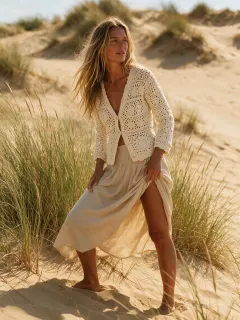
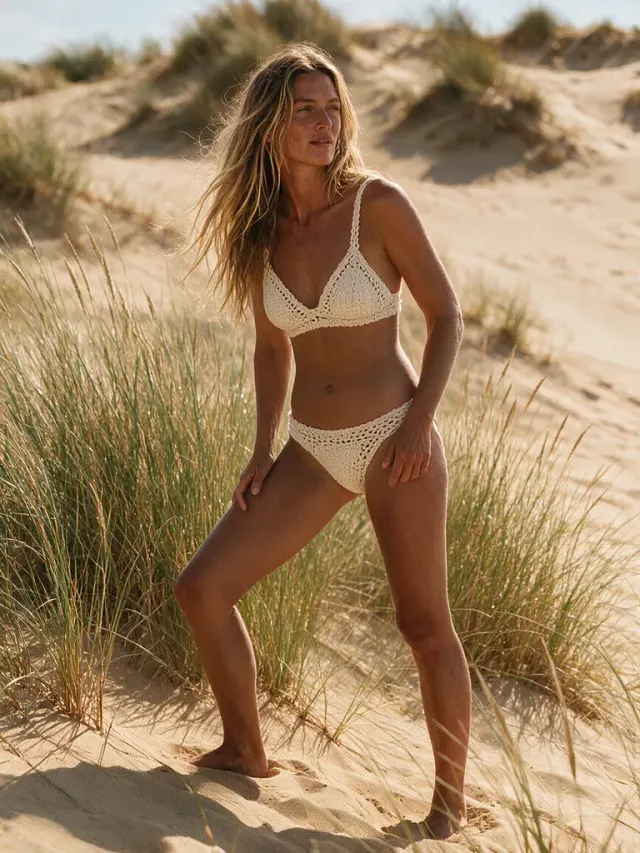
Cardigan to Boho Crochet
A crochet cardigan and skirt became a crochet bikini.
AIBikini lets you edit any image to bikini AI style in your browser. Upload a photo of yourself or a consenting adult, pick a bikini, and the tool to edit any image to bikini AI changes only the outfit, never the face, pose or background.
1上传你的照片
没有照片?先用虚拟模特试试
2选择比基尼款式
还需要:上传照片 · 选择款式 · 确认照片使用规则
注册后第一张比基尼造型免费。
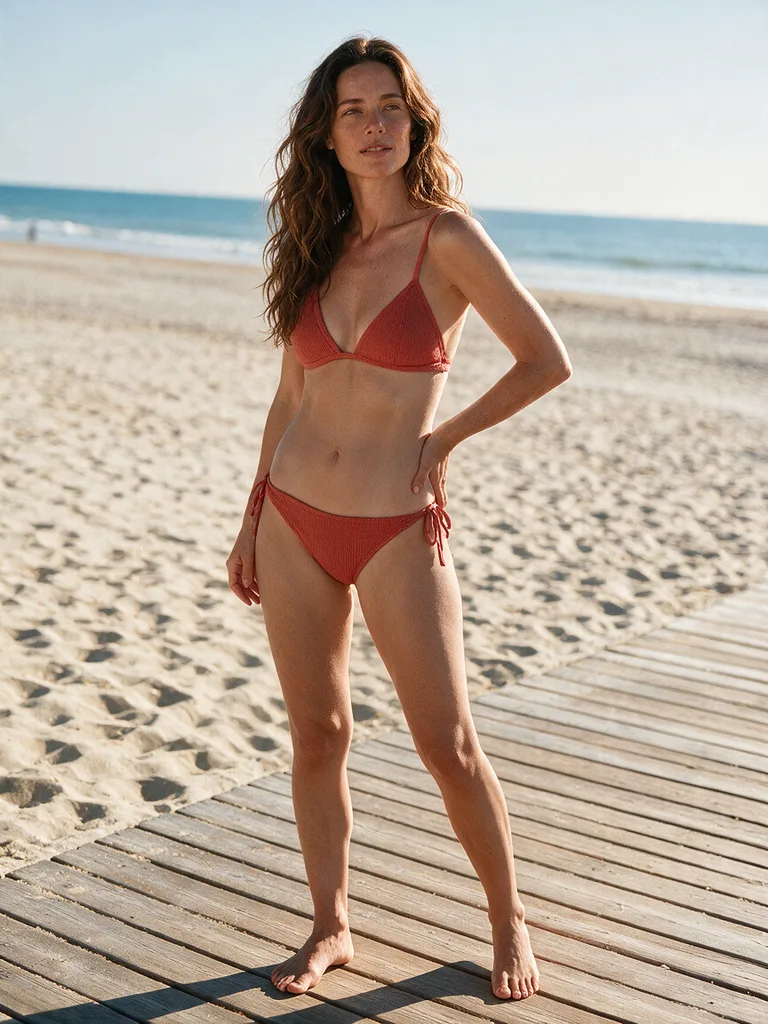
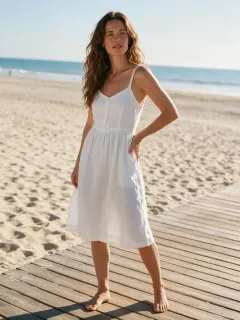
珊瑚三角
Real before and after pairs. Each one shows what happens when you edit any image to bikini AI style with a different preset.
A crochet cardigan and skirt became a crochet bikini.
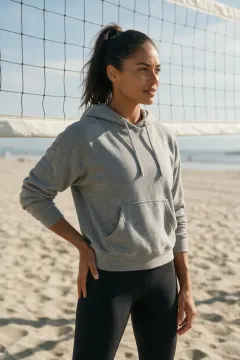
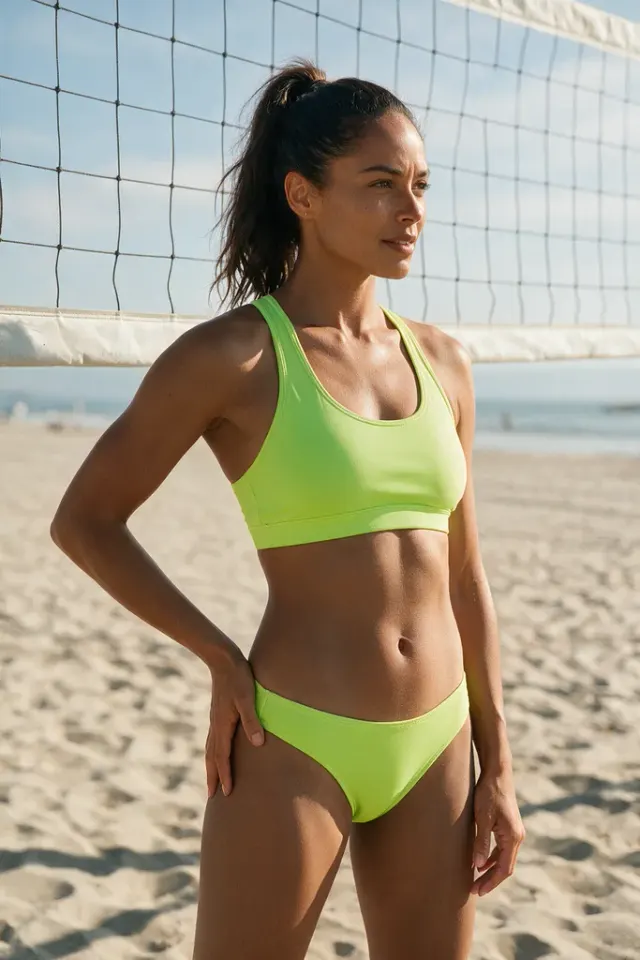
A hoodie and leggings swapped for a sporty bikini.
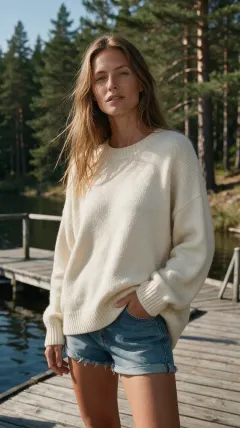
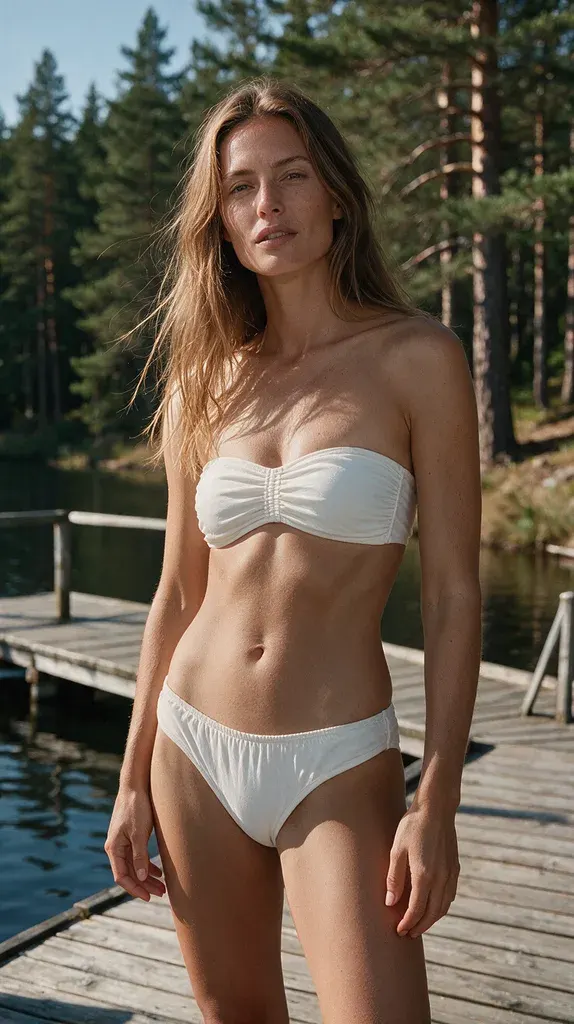
An oversized sweater became a white bandeau bikini.
Sundress, hoodie, blazer or jeans: you can edit any image to bikini AI style as long as one adult is clearly in frame. Phone photos are fine, and there is nothing to install.
When you edit any image to bikini AI style here, the person, hair, skin tone and body shape stay as they were. Only the clothes change. Prefer to start from a virtual model? See AI bikini models.
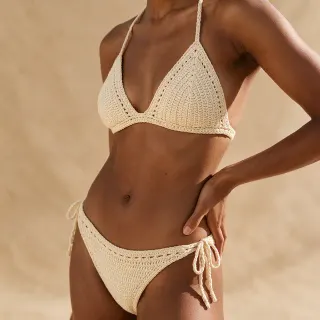
Photo editors make you paint over clothes and write prompts. To edit any image to bikini AI style with AIBikini, you only pick one of 10 presets and press Generate.
Each attempt to edit any image to bikini AI style takes about 20 to 60 seconds. Try several styles on the same photo and keep the one you like. The AI bikini generator on the homepage uses the same studio.
You may edit any image to bikini AI style only for photos of yourself or adults who agreed. Photos of minors are never allowed, and nudity and explicit edits are blocked.
Every time you edit any image to bikini AI style, uploads and results stay private to your account and are never used for training. They are kept for 30 days, and you can delete them sooner. Blocked or failed edits refund their credits.
Three steps. You need one photo and about a minute to edit any image to bikini AI style.
Add a JPG, PNG or WebP photo up to 15 MB. One person facing the camera in good light works best.
Choose a preset, from Coral Triangle to Neon Sport, and confirm the photo rules before you edit any image to bikini AI style.
Press Generate to edit any image to bikini AI style, then download the 2K PNG, with no watermark.
AIBikini edit any image to bikini AI is a tool that swaps the outfit in your photo for a realistic bikini and keeps the person, pose and background.
Upload a photo, choose one of 10 bikini styles and press Generate. The result is ready in about 20 to 60 seconds.
Your first edit is free after you sign up. Each later edit costs 10 credits, and failed edits are refunded automatically.
Yes. Results have no watermark and may be used commercially when you own the photo and have the rights to the likeness of the person in it.
Photos of yourself or of adults who agreed, in JPG, PNG or WebP up to 15 MB. You can't edit any image to bikini AI style if it shows a minor, and explicit edits are blocked.
No. When you edit any image to bikini AI style here, the face, hair, skin tone, body shape and background stay as they were.
Yes. When you edit any image to bikini AI style, images are visible only to your account, never used for training, and deleted after 30 days or whenever you delete them.
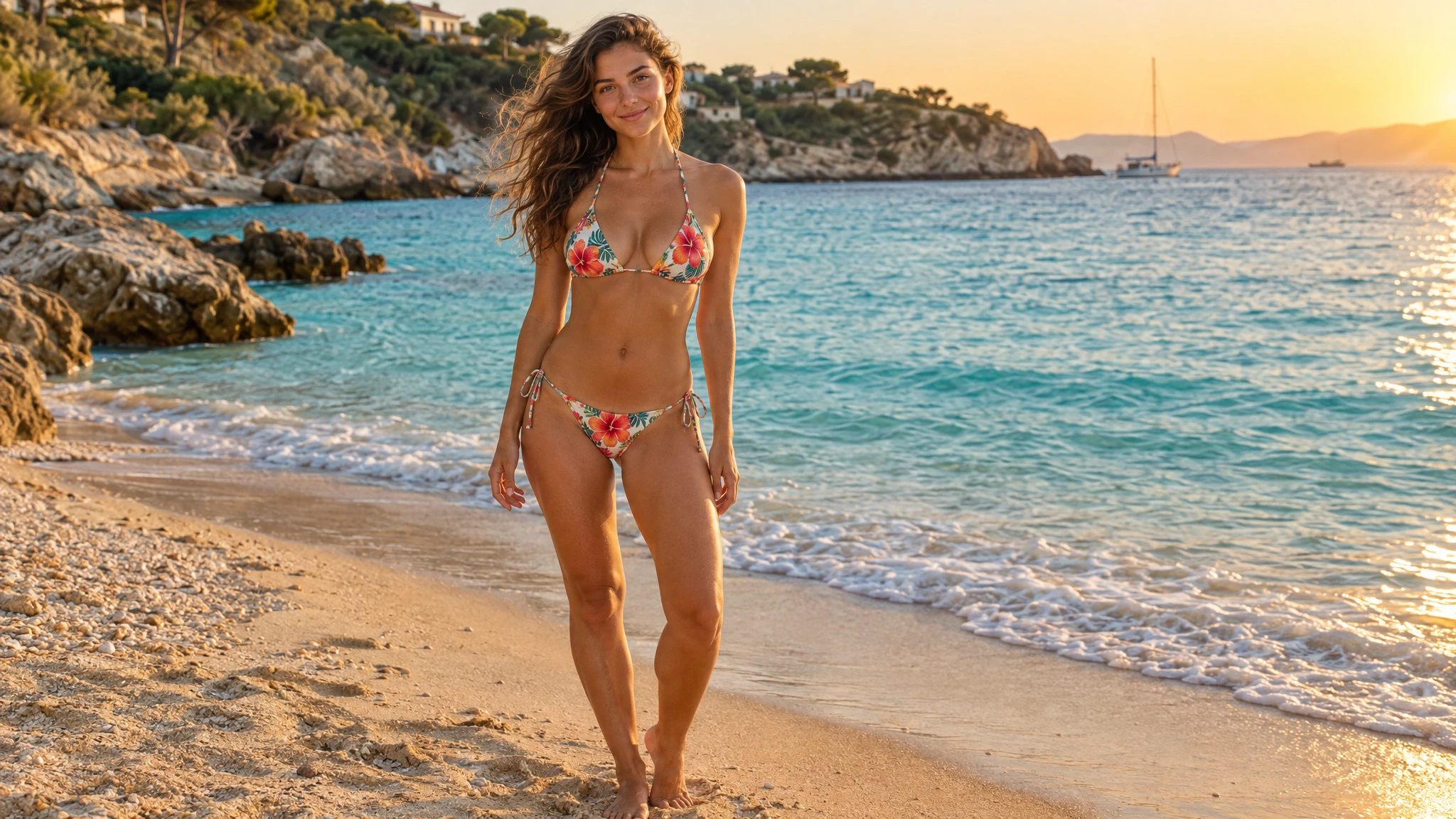
What an AI bikini photo is, how photo try-on keeps your face and pose, which 10 bikini styles you can try, and how to make your first image.
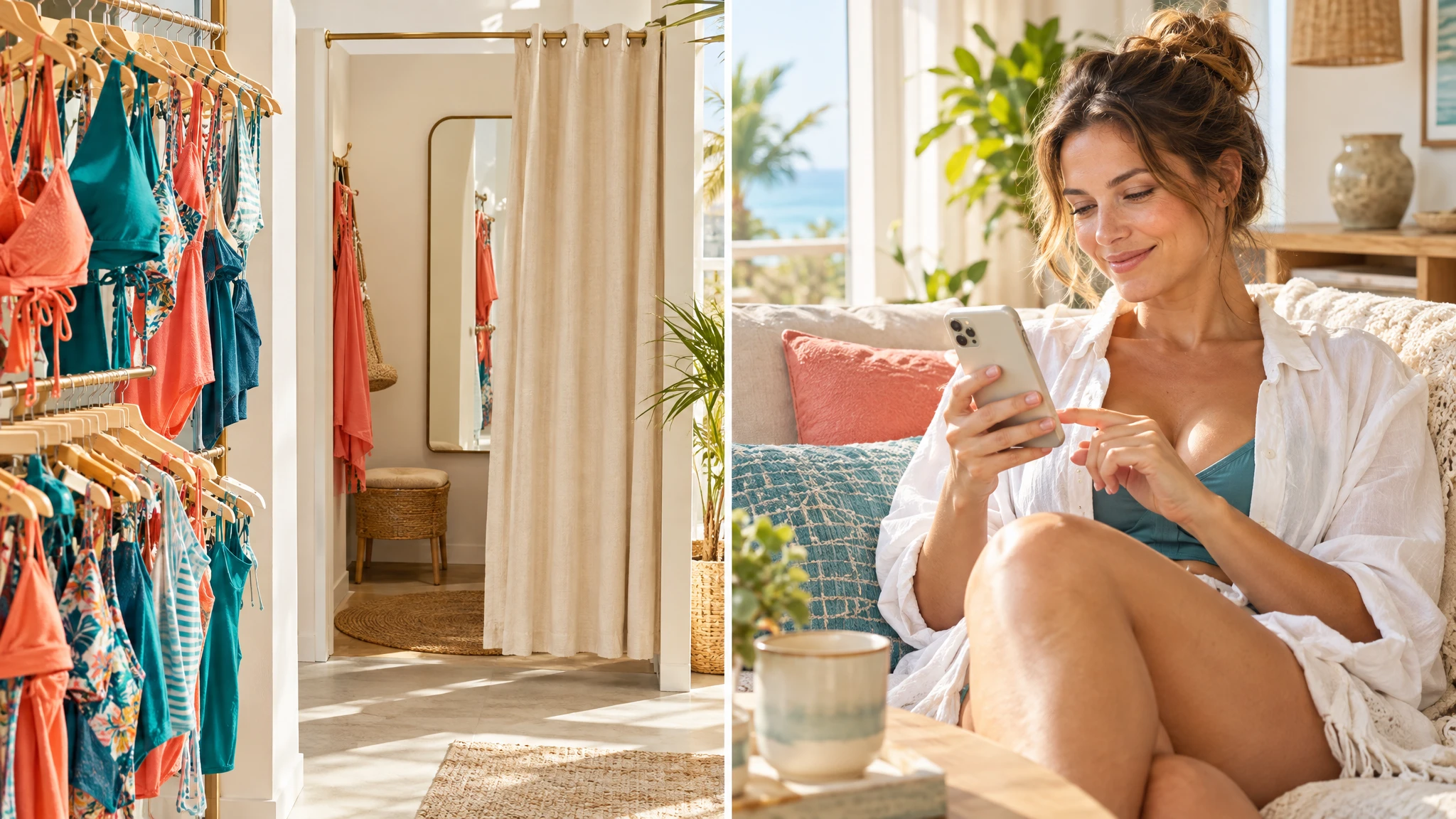
AI swimsuit try-on vs the fitting room: compare speed, cost, fit and privacy, see what return data says, and learn when an AI swimsuit preview is enough.
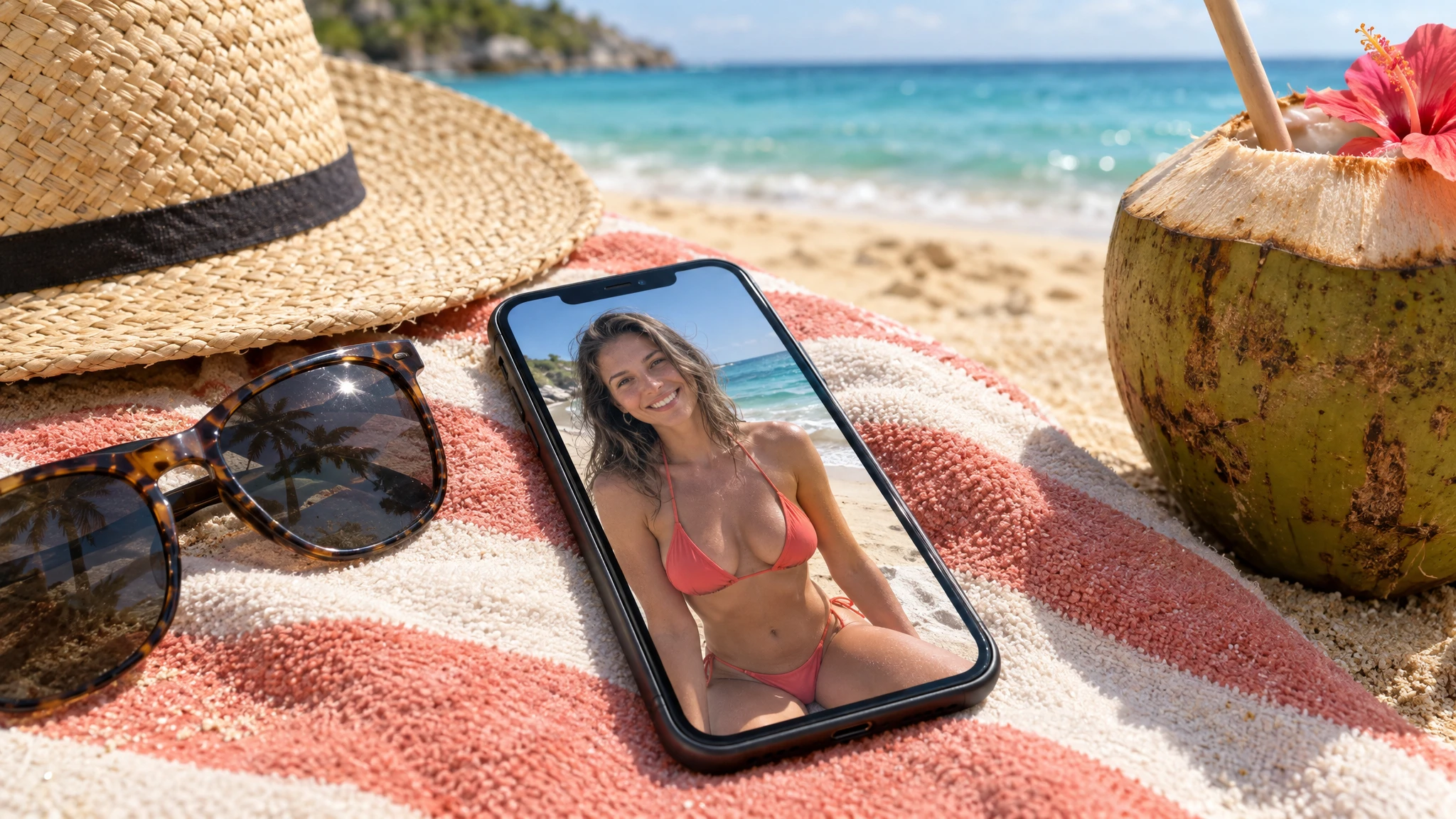
Looking for the best AI bikini generator? We compare 5 tools on photo try-on, face accuracy, bikini styles, free use and privacy to help you choose.